
AI Portrait Editor
Upload a portrait, pick one of six edits, and get a result that keeps the same face and identity — instead of typing new hairstyle and getting a different person.
The result matches the closest available aspect ratio to your source image.
Portrait editor workbench

Choose a preset
New HairstyleChange hair while keeping the face
Source
Your image
Result
Your result
- InputOne image
- Directions6 portrait edits
- FormatsJPEG, PNG, WebP
- File limitUp to 10 MB
- StoragePrivate to your account
Portrait edits
Compare six portrait edits before you create. The current image is a temporary reference preview, not a before-and-after result.
New HairstyleChange hair while keeping the face 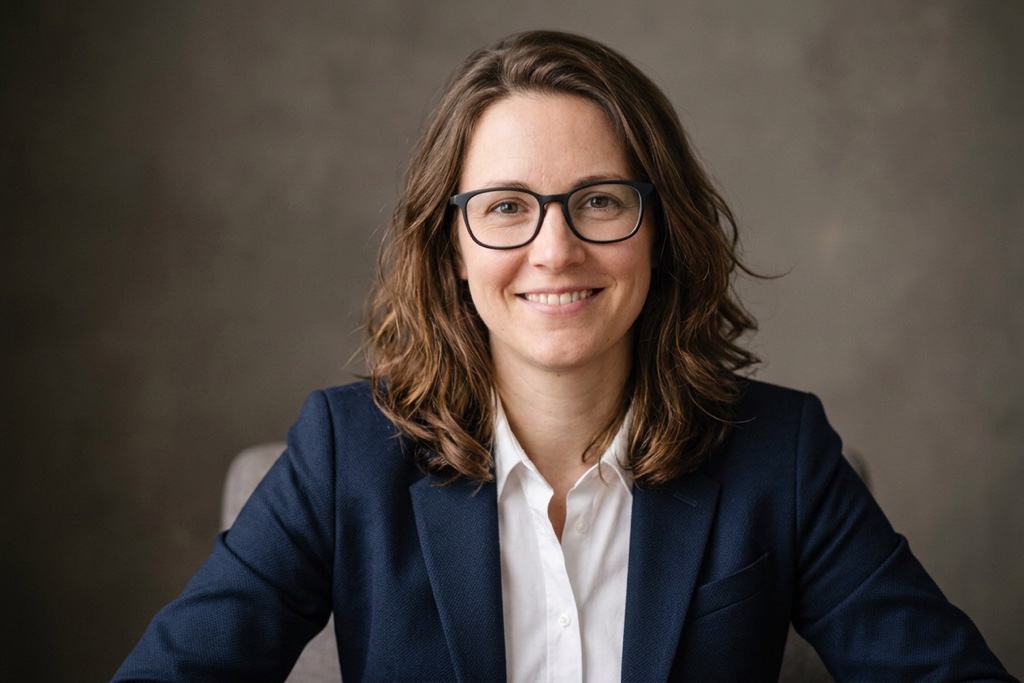
Change OutfitSwap clothing, keep identity 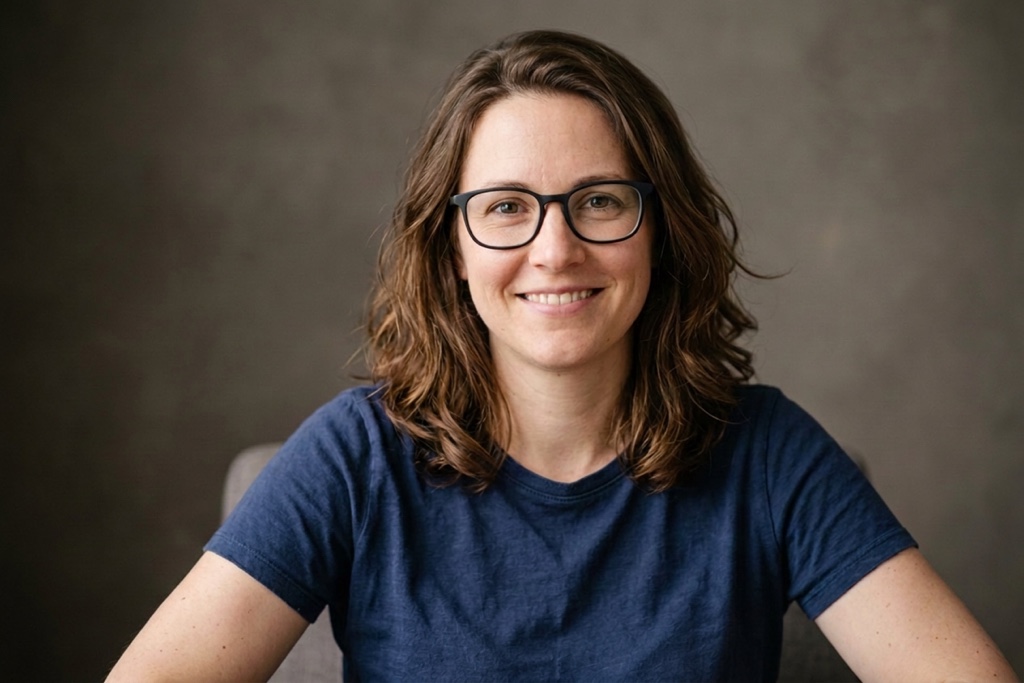
Adjust PoseShift pose, keep the same person 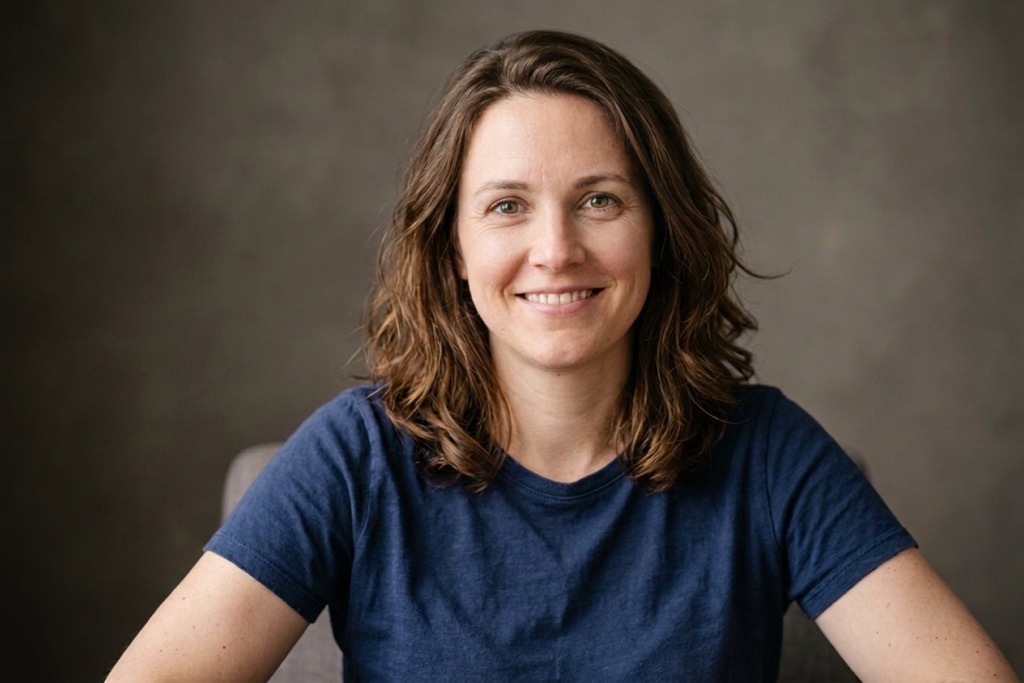
Remove GlassesTake off glasses naturally 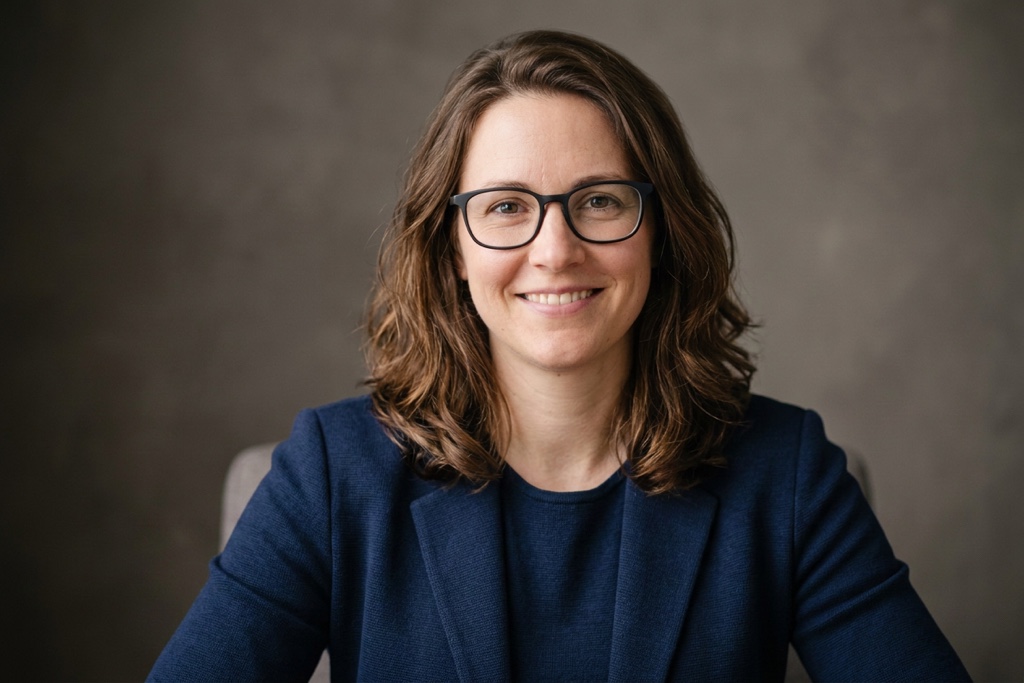
Professional LookPolished headshot finish 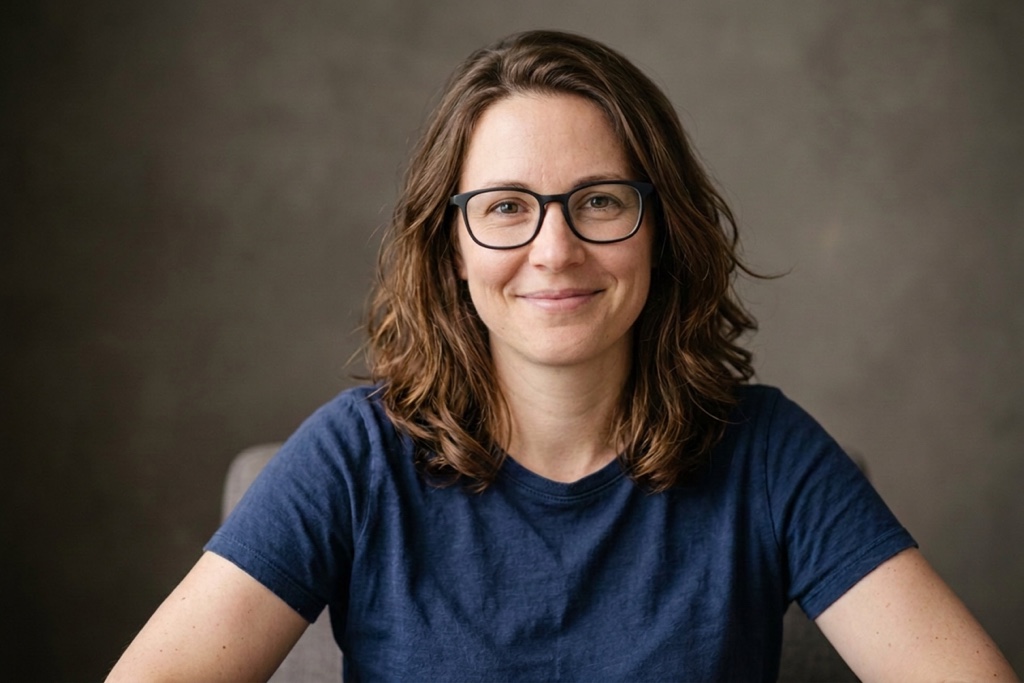
ExpressionAdjust smile or expression
Why a portrait edit can change the person
A believable portrait edit needs more than an edit label. It needs the requested change applied without replacing the face or identity you started with.
The face drifts on every edit
Portrait edits often drift the face. Each preset targets one element — hair, outfit, pose, expression — with concrete cues instead of one vague edit keyword.
A single edit keyword is not enough
Typing new hairstyle into a prompt often returns a different person. Each preset gives the edit a concrete target while keeping the identity intact.
Keep the original person and frame
Every preset tells the edit to keep face identity and facial features unchanged, so your edited portrait is still recognizably the same person.
From upload to an edited portrait
One focused workbench keeps the source portrait, edit preset, credit cost, and private result together while you edit a portrait.
- 1
Add one image
Choose one JPEG, PNG, or WebP image. It uploads to your private account storage only when you create.
- 2
Choose an edit preset
Choose a portrait edit while the source image remains visible in the workbench.
- 3
Edit and download
Use account credits to create, review, and download your edited portrait from the private result area.
Where the portrait editor helps
Use one focused portrait edit when the person is already right but the hair, outfit, pose, or expression should change.
Portraits and profile photos
Try a new hairstyle or outfit on a portrait while keeping the same face, identity, and framing.
Creator drafts
Give a generated headshot a more professional look before review, without changing the person.
Product and lifestyle images
Adjust pose or expression on a real portrait while preserving identity and composition.
What stays clear while you edit
Keep the settings that matter visible without turning one portrait edit into a long editor.
One image input
Each result accepts one JPEG, PNG, or WebP file up to 10 MB.
Six focused presets
Compare six portrait edits before you create a result.
Visible framing behavior
The result uses the closest available aspect ratio to your source image.
Private result destination
The source image and result stay private to your account and the completed result can be downloaded.
Why use this portrait editor workbench?
FluxDream keeps the source portrait, edit target, and private result destination together so the edit remains easy to follow.
One canonical workbench
Upload, preset selection, status, and result share one route.
Transparent constraints
Accepted formats, file limit, privacy boundary, framing behavior, and credit status appear before you create.
Easy to try another direction
Replace the source or select another supported portrait edit without leaving the page.
Questions before you edit
Understand identity preservation, supported files, privacy, framing, and credits before you create.
- Which image files can I use?
- Upload one JPEG, PNG, or WebP file up to 10 MB.
- Will it keep my face and pose?
- Each edit prompt explicitly preserves face identity and facial features, changing only the requested element. As with any generated edit, review the result before using it.
- Why not just prompt new hairstyle?
- A generic request like new hairstyle can change the whole face. These presets give the edit a concrete target while asking it to keep the person recognizable.
- Will the result keep my image framing?
- The result uses the closest supported aspect ratio to your source image, while the edit prompt preserves its composition and framing.
- Will my source image or result be public?
- No. Your source image and result remain private to your account.
- How many credits does one result use?
- The workbench shows the exact credit cost before generation. If your balance is too low, it opens the available credit options without discarding your image or preset.
- Is the portrait editor tool free?
- Editing a portrait uses credits. Your current balance and any available credit options are shown before you continue.
- Does it work on AI-generated images and real photos?
- Yes. You can edit AI-generated portraits and real photos alike, changing hair, outfit, pose, or expression while keeping the same identity.
Explore more
Continue from this focused portrait tool into other FluxDream image workflows.
Ready to edit your portrait?
Return to the workbench, choose a portrait edit, and confirm the credit cost before you create.