
Make a Polaroid Photo
Upload a photo, pick one of six instant-film presets, and turn it into a polaroid photo with the classic thick white frame — while keeping the subject, pose, and composition.
The result matches the closest available aspect ratio to your source image.
Polaroid workbench

Selected preset
Classic InstantNeutral true-to-life instant film
Source
Your image
Result
Your result
- InputOne image
- Looks6 polaroid presets
- FormatsJPEG, PNG, WebP
- File limitUp to 10 MB
- StoragePrivate to your account
See the transformation
Drag the handle to see how one uploaded portrait becomes a framed instant-film print, with the subject, pose, and background kept intact.

Polaroid presets
Compare six instant-film looks before you create. The current image is a temporary reference preview, not a before-and-after result.
Classic InstantNeutral true-to-life instant film 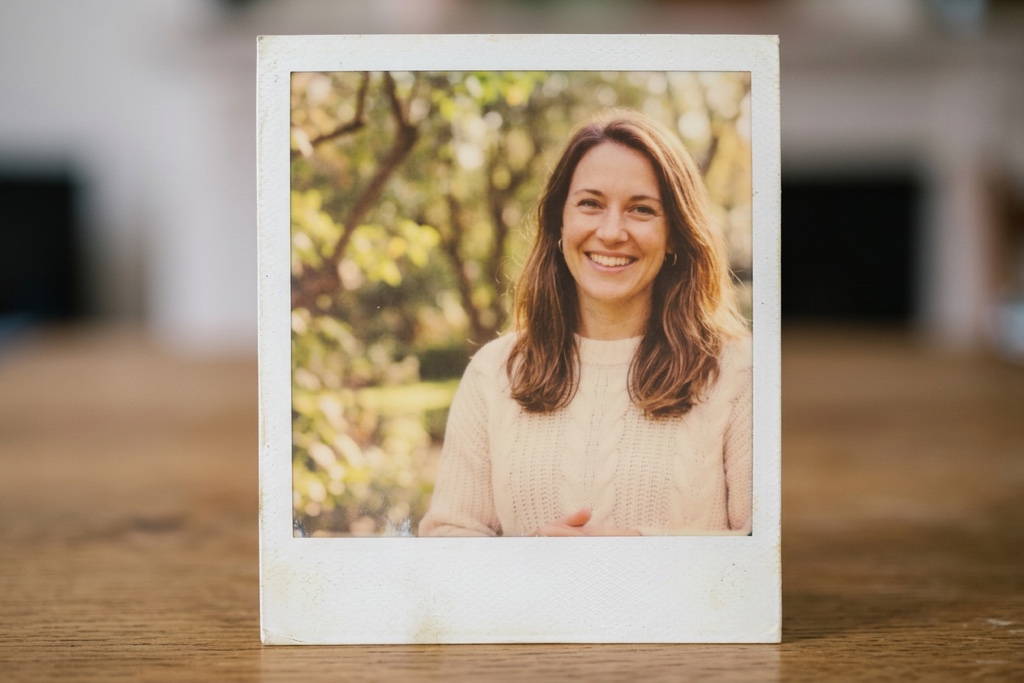
Vintage 70sWarm faded tones and aged film border 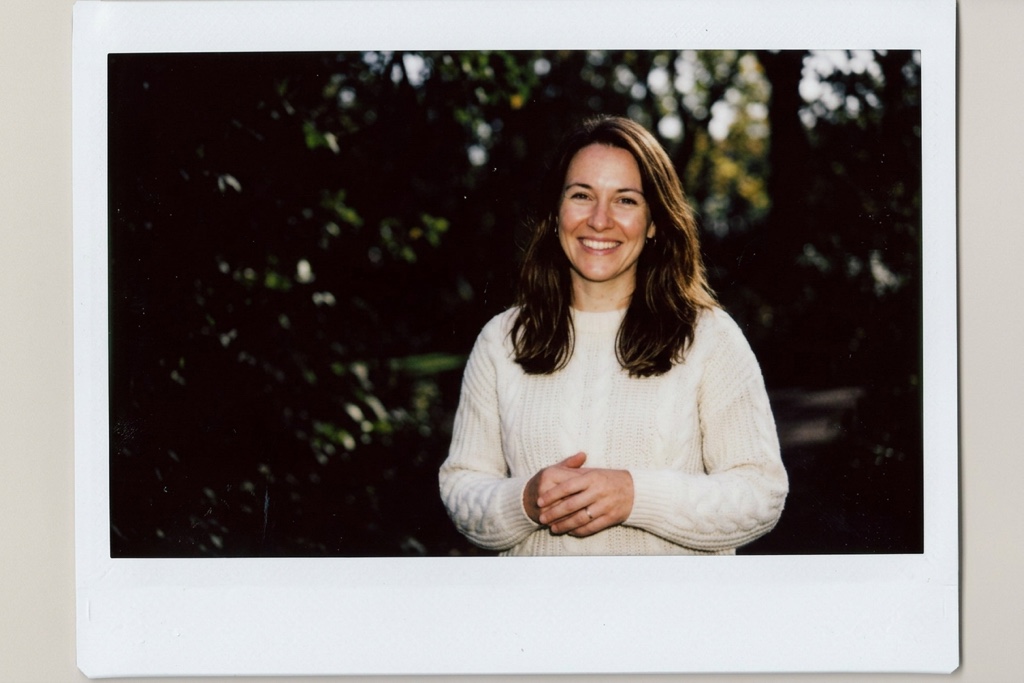
Flash NightHard flash and dark party background 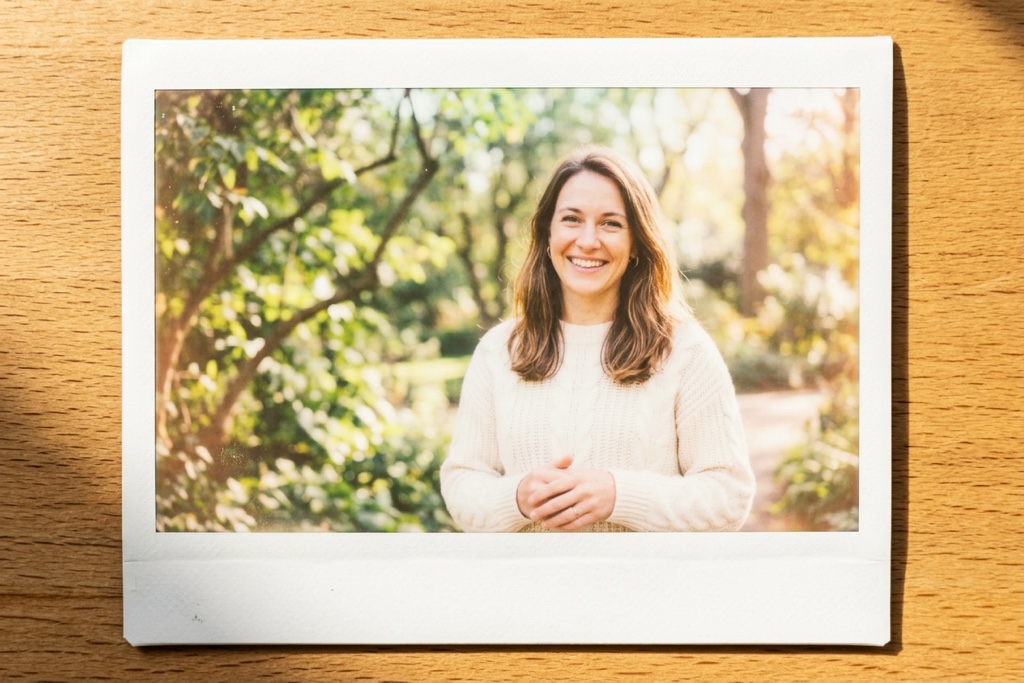
Sunwashed SummerBright airy overexposure and warm haze 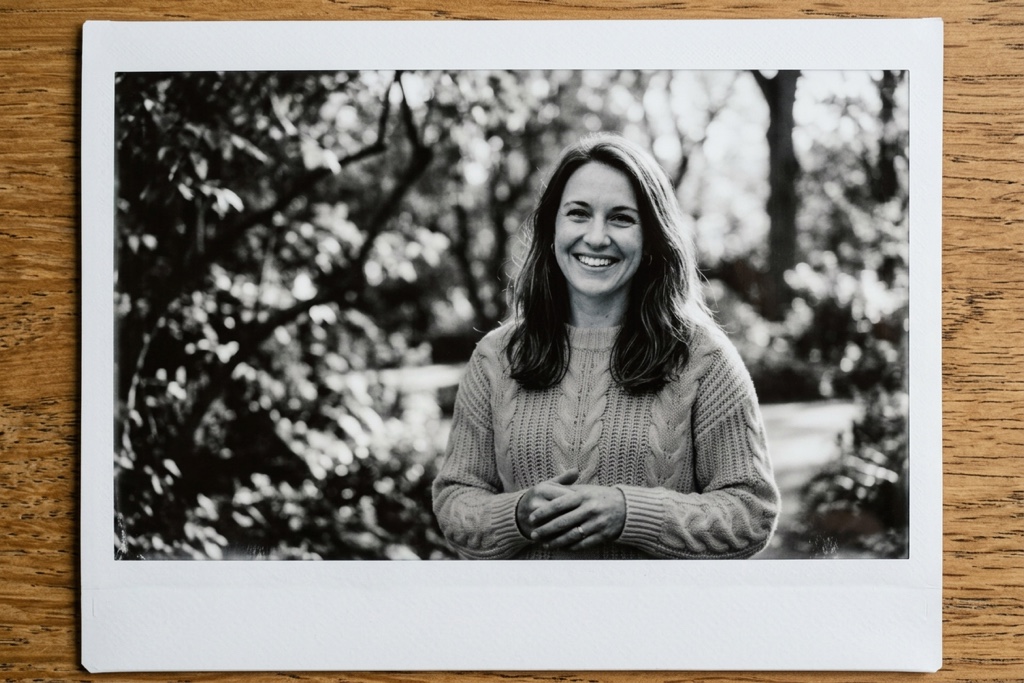
Monochrome InstantBlack-and-white instant film with grain 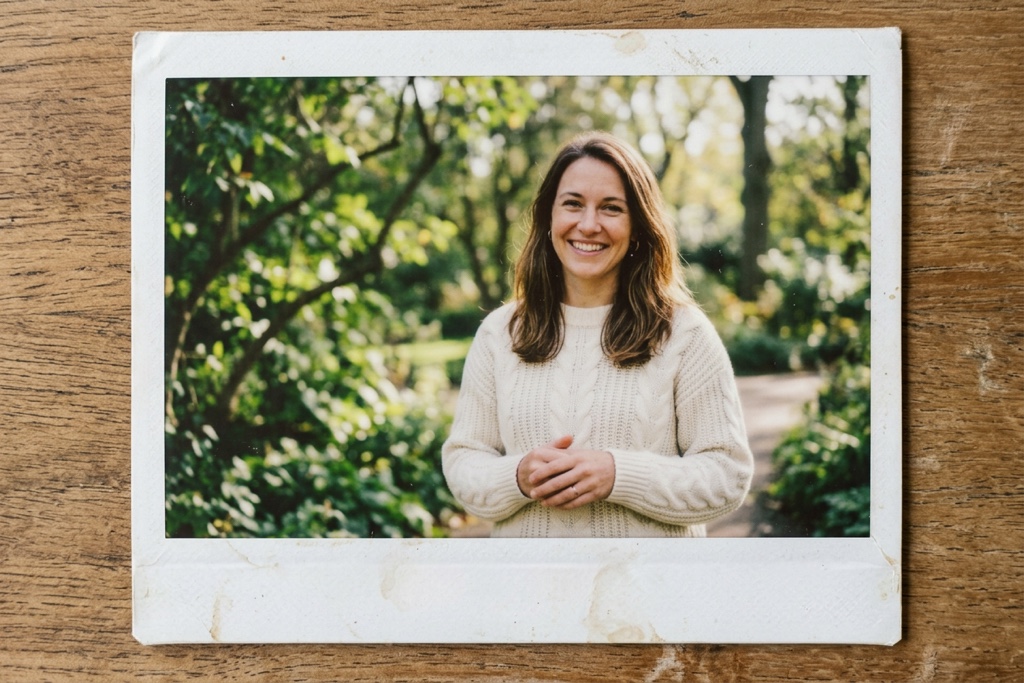
Retro ScrapbookMuted keepsake color and soft vignette
Why a polaroid filter can still look fake
A convincing polaroid needs more than a color tint. It needs the instant-film frame, texture, and light without replacing the person or composition you started with.
A filter is not a polaroid
A real polaroid needs the physical instant-film border, slightly wider bottom margin, film color, and grain — not just a vintage filter slapped on top.
The word polaroid is not enough
Typing polaroid into a prompt often loses the frame or the person. Each preset gives the edit concrete instant-film direction instead of one vague keyword.
Keep the original person and frame
Every preset tells the edit to keep identity, facial features, pose, composition, and framing unchanged, so your result is still recognizably you.
From upload to a polaroid photo
One focused workbench keeps the source photo, polaroid preset, credit cost, and private result together while you make an instant print.
- 1
Add one image
Choose one JPEG, PNG, or WebP image. It uploads to your private account storage only when you create.
- 2
Choose a polaroid preset
Choose an instant-film look while the source image remains visible in the workbench.
- 3
Create and download
Use account credits to create, review, and download your result from the private result area.
Where a polaroid photo fits
Reach for this tool when the image content is already right but you want a nostalgic instant-film frame and finish.
Portraits and selfies
Turn portraits and selfies into a keepsake instant print while keeping the person, pose, and framing recognizable.
Creator drafts
Give promotional or social images a nostalgic instant-film feel before you share them.
Product and lifestyle images
Apply a consistent instant-film look to product or lifestyle images while preserving the original layout.
What stays clear while you create
Keep the settings that matter visible without turning it into a long editor.
One image input
Each render accepts one JPEG, PNG, or WebP file up to 10 MB.
Six polaroid presets
Compare six instant-film looks before you generate.
Visible framing behavior
The result uses the closest available aspect ratio to your source image.
Private result destination
The source image and finished print stay private to your account and the completed result can be downloaded.
Why use this polaroid photo maker?
FluxDream keeps the source image, instant-film look, and private result together so the flow stays clear.
One focused workbench
Upload, preset choice, status, and result all happen on one page.
Transparent constraints
Supported formats, file limit, privacy boundary, aspect ratio, and credit status all show before you create.
Try another look easily
Swap the source image or choose another instant-film look without leaving the page.
Questions before you create
Understand identity preservation, supported files, privacy, framing, and credits before you create.
- Which image files can I use?
- Upload one JPEG, PNG, or WebP file up to 10 MB.
- Will it keep my face and pose?
- The polaroid prompt explicitly preserves subject identity, facial features, pose, composition, and framing. As with any generated edit, review the result before using it.
- What makes it look like a real polaroid?
- A polaroid print adds the physical instant-film border, film color, and grain of a real print. Each preset gives concrete instant-film cues instead of one vague keyword.
- Will the result keep my image framing?
- The result uses the closest supported aspect ratio to your source image, while the edit prompt preserves its composition and framing.
- Will my source image or result be public?
- No. Your source image and result remain private to your account.
- How many credits does one polaroid use?
- The workbench shows the exact credit cost before generation. If your balance is too low, it opens the available credit options without discarding your image or preset.
- Is the polaroid maker free?
- Creating a print uses credits. Your current balance and any available credit options are shown before you continue.
- Does it work on AI-generated images and real photos?
- Yes. You can turn AI-generated art or a real photo into a polaroid print while preserving its subject and composition.
Explore more
Continue from this polaroid maker into other FluxDream image workflows.
Ready to make a polaroid photo?
Return to the workbench, choose an instant-film look, and confirm the credit cost before you create.