
AI Photo to Cartoon
Choose from 27 illustrated directions, then turn one private photo to cartoon art and review the credit cost before you create.
The result follows the closest supported framing of your photo.
Photo to cartoon workbench

Choose a style
American CartoonClear lines and bright color
SOURCE
Your photo
RESULT
Your result
- InputOne photo
- Directions27 style examples
- FormatsJPEG, PNG, WebP
- File limitUp to 10 MB
- StoragePrivate to your account
Style examples
Browse all 27 illustrated directions to see the visual range before you create.
American CartoonClear lines and bright color 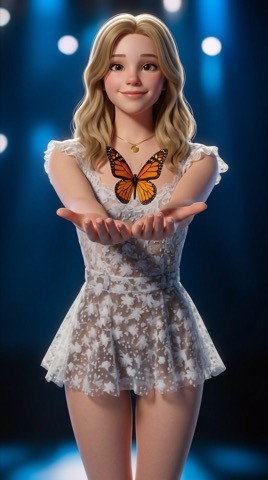
3D Animation StyleDimensional light and smooth shading 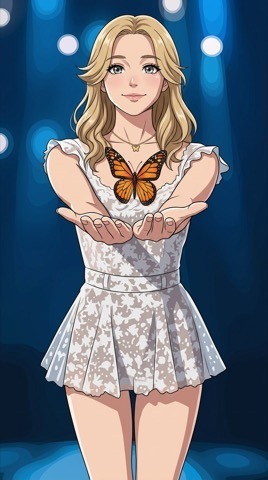
Japanese AnimeCrisp linework and cel shading 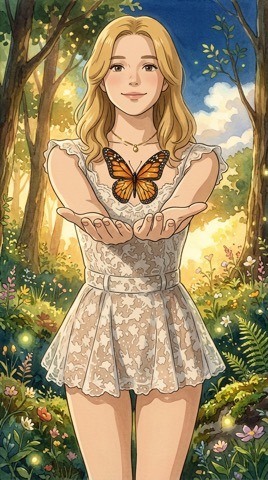
Studio GhibliPainterly natural light 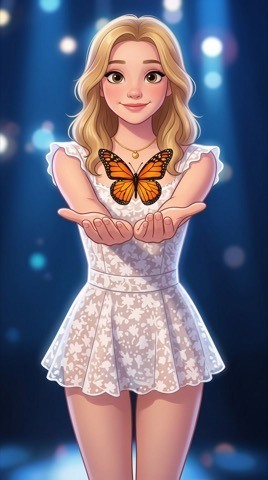
DisneyRounded animated forms 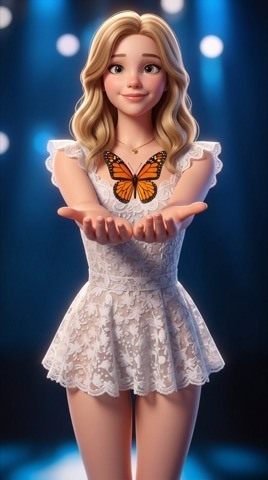
PixarPolished dimensional rendering 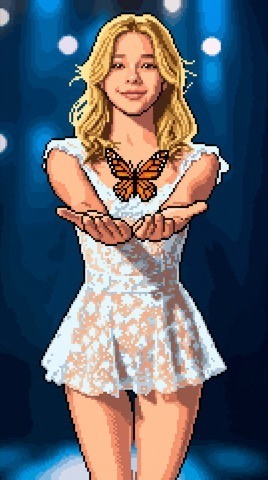
Pixel ArtCrisp 16-bit blocks 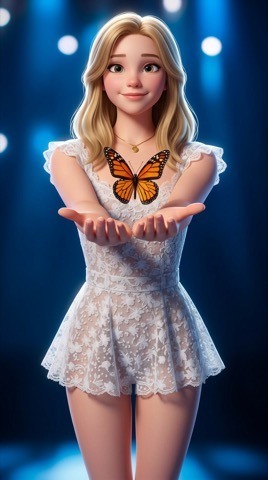
DreamWorksExpressive 3D character light 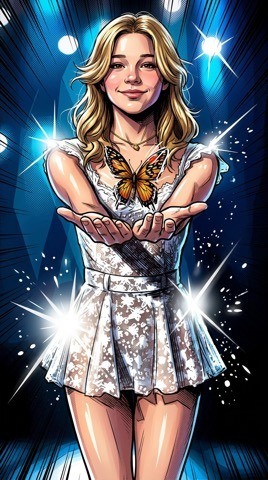
Marvel Comic AnimeHigh-energy ink fusion 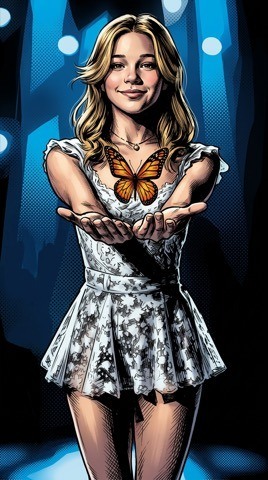
DC ComicDramatic ink and shadow 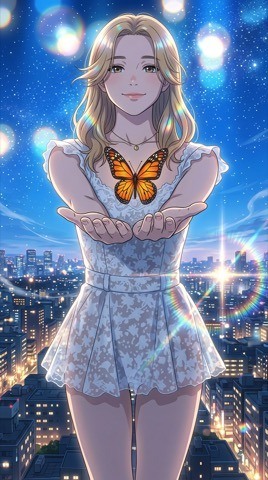
Makoto ShinkaiLuminous cinematic anime 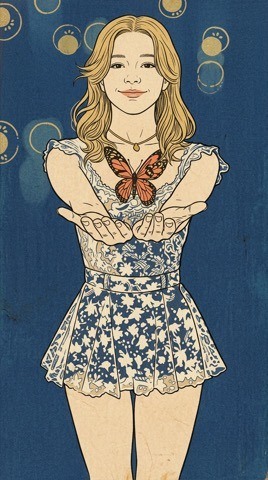
Japanese Ukiyo-eWoodblock-print color fields 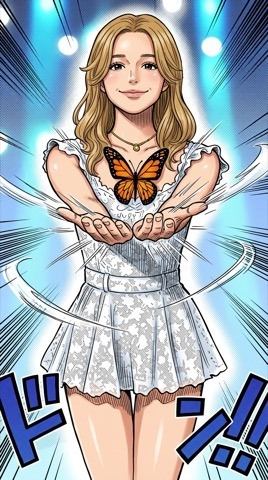
One PieceEnergetic adventure manga 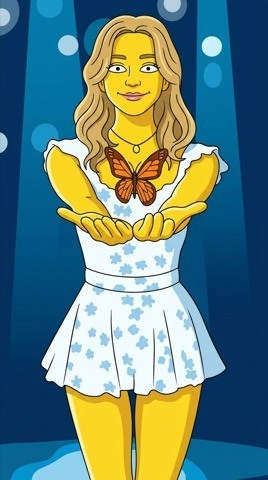
SimpsonsFlat television cartoon 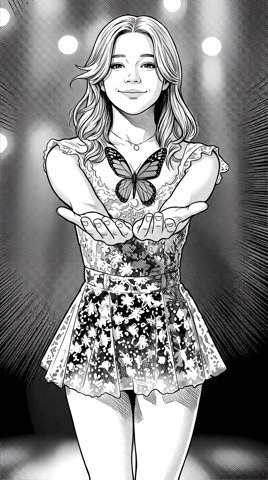
MangaInk and screentone shading 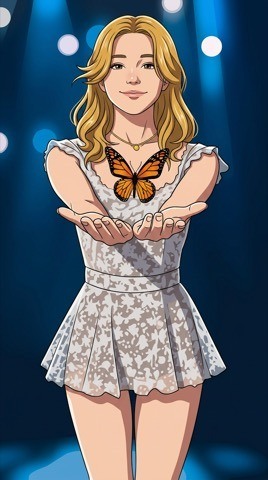
Cel-ShadedHard-edged animated planes 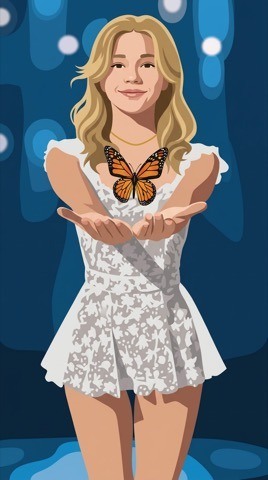
Flat IllustrationBalanced graphic shapes 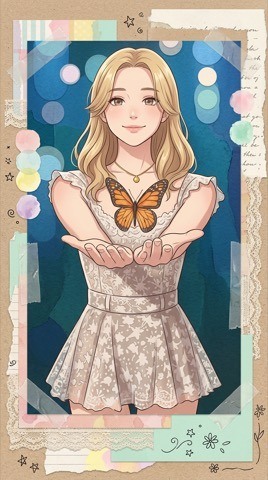
Scrapbook / Journal AnimeCollage layers and soft anime 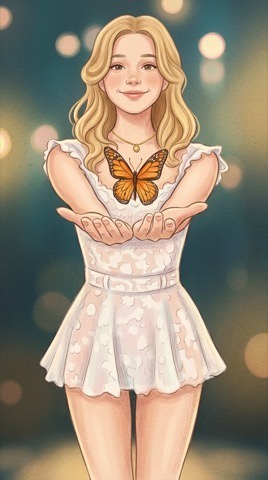
Children's BookWarm storybook texture 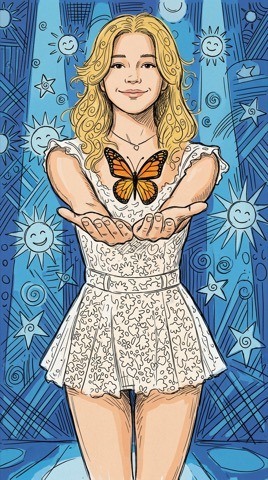
Doodle ArtPlayful hand-drawn lines 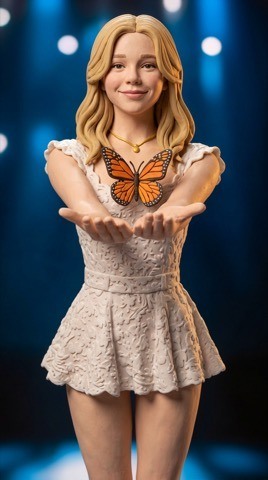
ClaymationHand-molded miniature detail 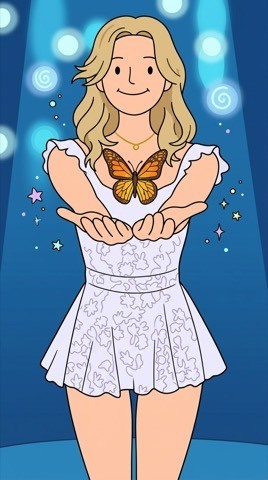
Adventure TimePlayful graphic shapes 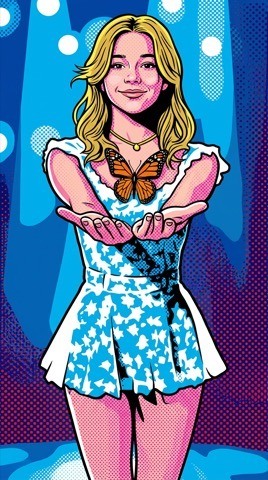
Pop ArtHalftone poster color 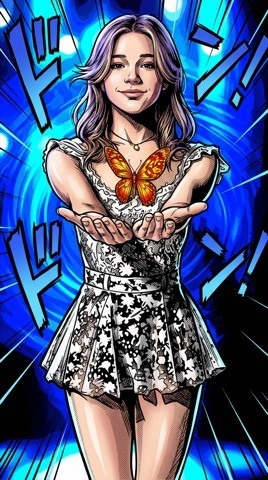
JoJo AdventureDramatic manga contrast 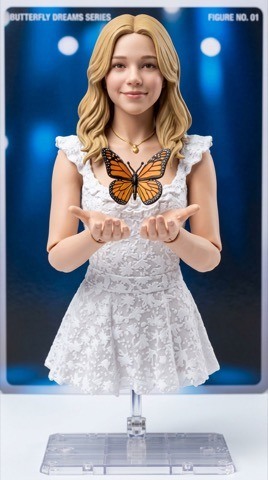
Action FigureCollectible toy rendering 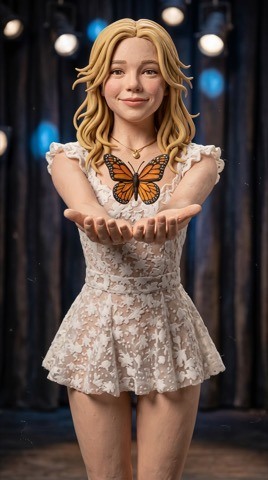
Aardman StudioTactile stop-motion clay 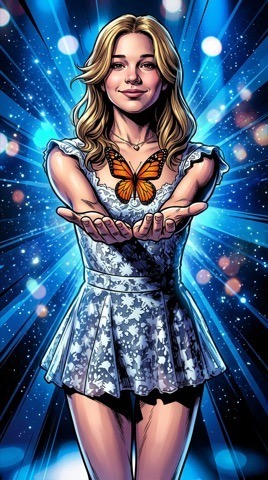
Marvel ComicBold superhero inks
Make the photo to cartoon transformation easier to understand
Before you create, four questions matter: what can I upload, which direction can I choose, what will it cost, and where will the result appear?
Start with one clear source
Upload one JPEG, PNG, or WebP photo and see the source framing before you create.
Choose a visual direction
The gallery makes all 27 visual directions visible before you commit to an upload or generation.
Know the next step
The credit summary, processing state, and private result slot stay in the same workbench.
From photo to cartoon, kept private
One focused workbench keeps your source photo, style choice, credit cost, and result in view while you turn a photo to cartoon art.
- 1
Add one photo
Choose one JPEG, PNG, or WebP image. It is uploaded to your private account storage when you create.
- 2
Choose a direction
Choose a focused visual direction while the source image stays in view.
- 3
Create and download
Use account credits to create the result, then download it from the private result slot.
What can a photo to cartoon result become?
This tool is suited to focused portrait transformations where the source photo remains the starting point for a new illustrated direction.
Portraits and avatars
Create a photo to cartoon portrait for a profile, avatar, or personal collection.
Creator experiments
Try the 27 illustrated directions as a photo to cartoon starting point for a character concept, social post, or visual draft.
Personal collections
Keep a stylized variation of a favorite photo alongside the private source and result workflow.
What stays clear while you turn a photo to cartoon
The useful settings stay visible without turning a one-photo transformation into a long editor.
One-photo input
The contract accepts one JPEG, PNG, or WebP file up to 10 MB per result.
27 visible directions
Choose from 27 illustrated directions before you upload a photo.
Framing stays explicit
The result uses the closest supported aspect ratio to your source photo.
Private result slot
Your source and result remain private to your account, with a download action after completion.
Why use this photo to cartoon workbench?
FluxDream keeps the task, the explanation, and the result destination together so the next action is always close at hand.
One canonical workbench
Upload, style selection, status, and result share one route.
Transparent constraints
Accepted formats, file limit, privacy boundary, framing behavior, and credit status appear before you create.
Easy to try another direction
Replace the source photo or select another supported style without leaving the page.
Questions before you create
Clear boundaries for the source photo, style choices, credits, and privacy.
- What image formats does this tool support?
- Upload one JPEG, PNG, or WebP file up to 10 MB.
- Can I upload more than one photo?
- No. This tool accepts one source photo per result, so you can replace it before creating another.
- Which photo to cartoon styles can I choose?
- Choose any of the 27 illustrated directions shown in the style gallery before you upload.
- Will the result keep my photo's framing?
- The result uses the closest supported aspect ratio to the source photo. The source framing stays visible in the workbench.
- Are my source photo and result public?
- No. The source and result are kept private to your account.
- How many credits does one result use?
- The workbench shows the exact credit cost before you create. If your balance is not enough, it opens credit options without losing the selected photo and style.
- Is this AI photo to cartoon tool free?
- Your first result is free: new accounts start with 5 credits and each result costs 3 credits. After that, credit packages start at $12.99.
- How is this different from ChatGPT or Canva?
- This photo to cartoon workbench is built for one task: a visible 27-style gallery, private storage, and a visible credit cost before you create, instead of a general chat or design tool.
Keep exploring
Move from this focused transformation to the rest of the image toolkit.
Ready to turn a photo to cartoon?
Return to the workbench, choose a direction, and review the credit cost before you create.