Free AI Photo Editor Online

Use this free AI photo editor online to remove objects, replace backgrounds, change colors, or restore old photos from a prompt. Start one edit without registering, preview the result here, then sign in to download and save it.

Free AI Photo EditorOne free edit per rolling 24 hours
0/1
Drop images here, or click + to upload
152/2000
Model
Nano Banana
Output
Nano Banana 1K · 1:1

Edited result

Your edited preview will appear here.
Ready when you are
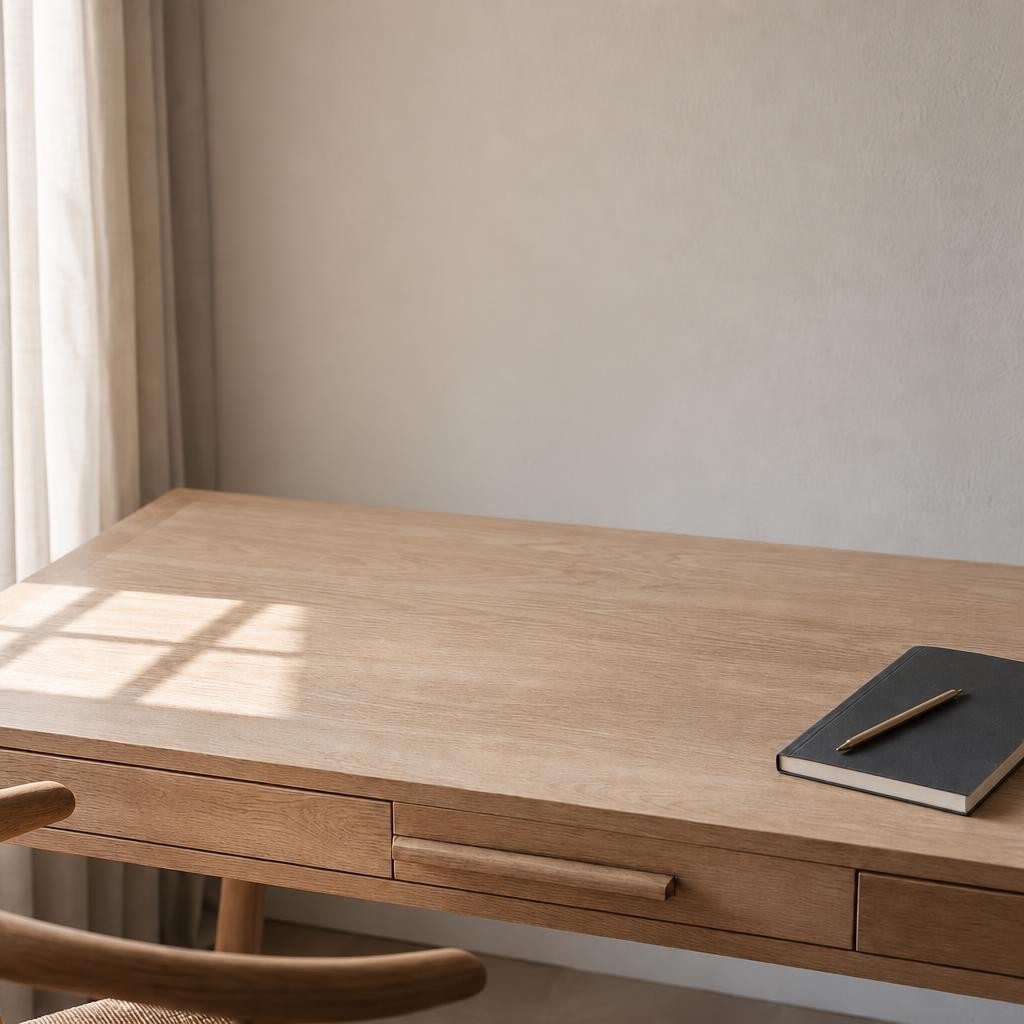
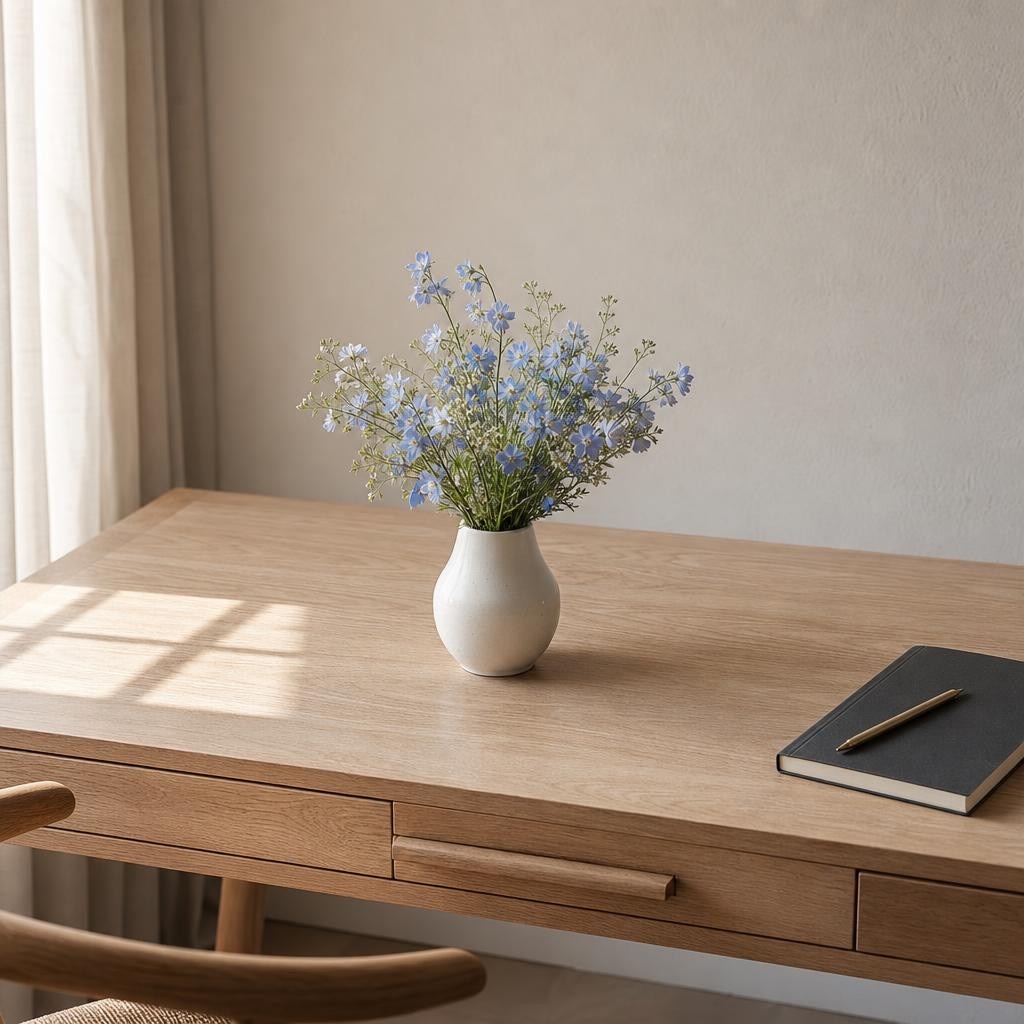
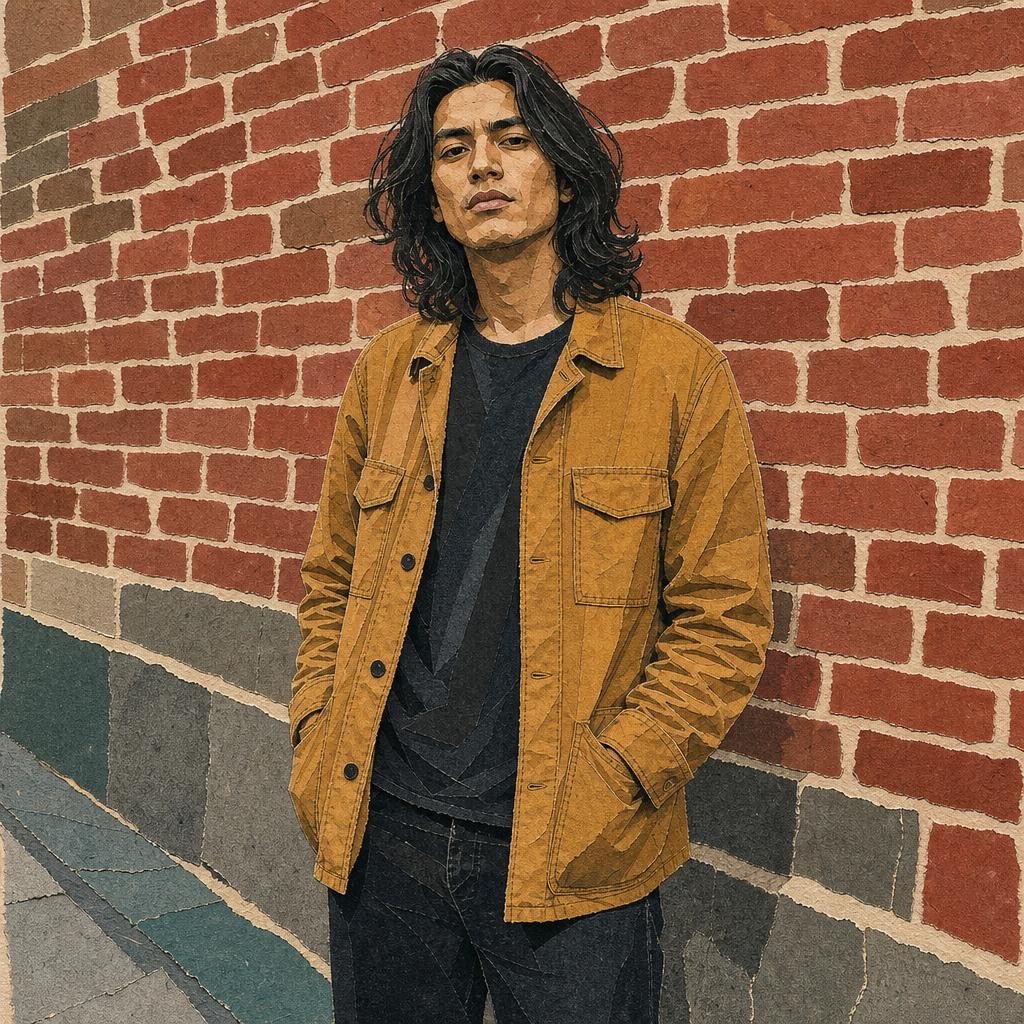
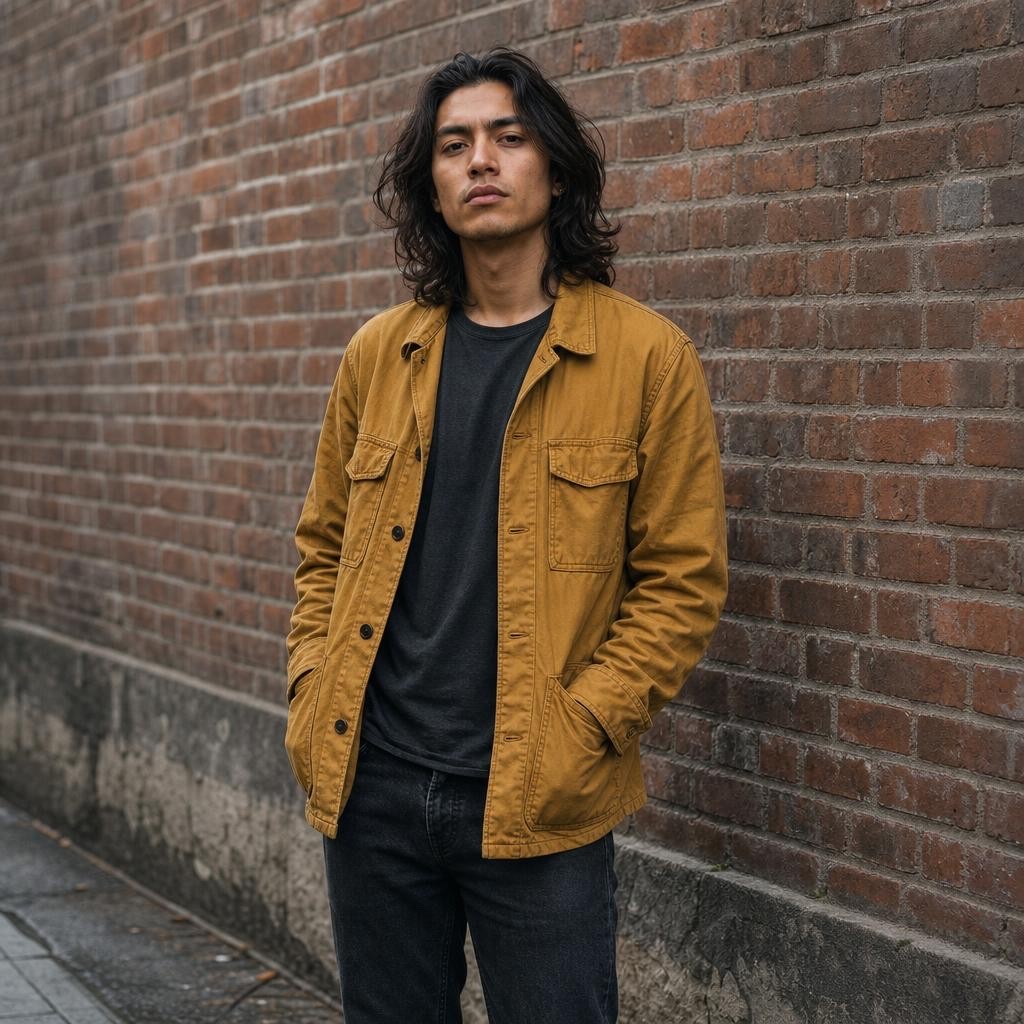
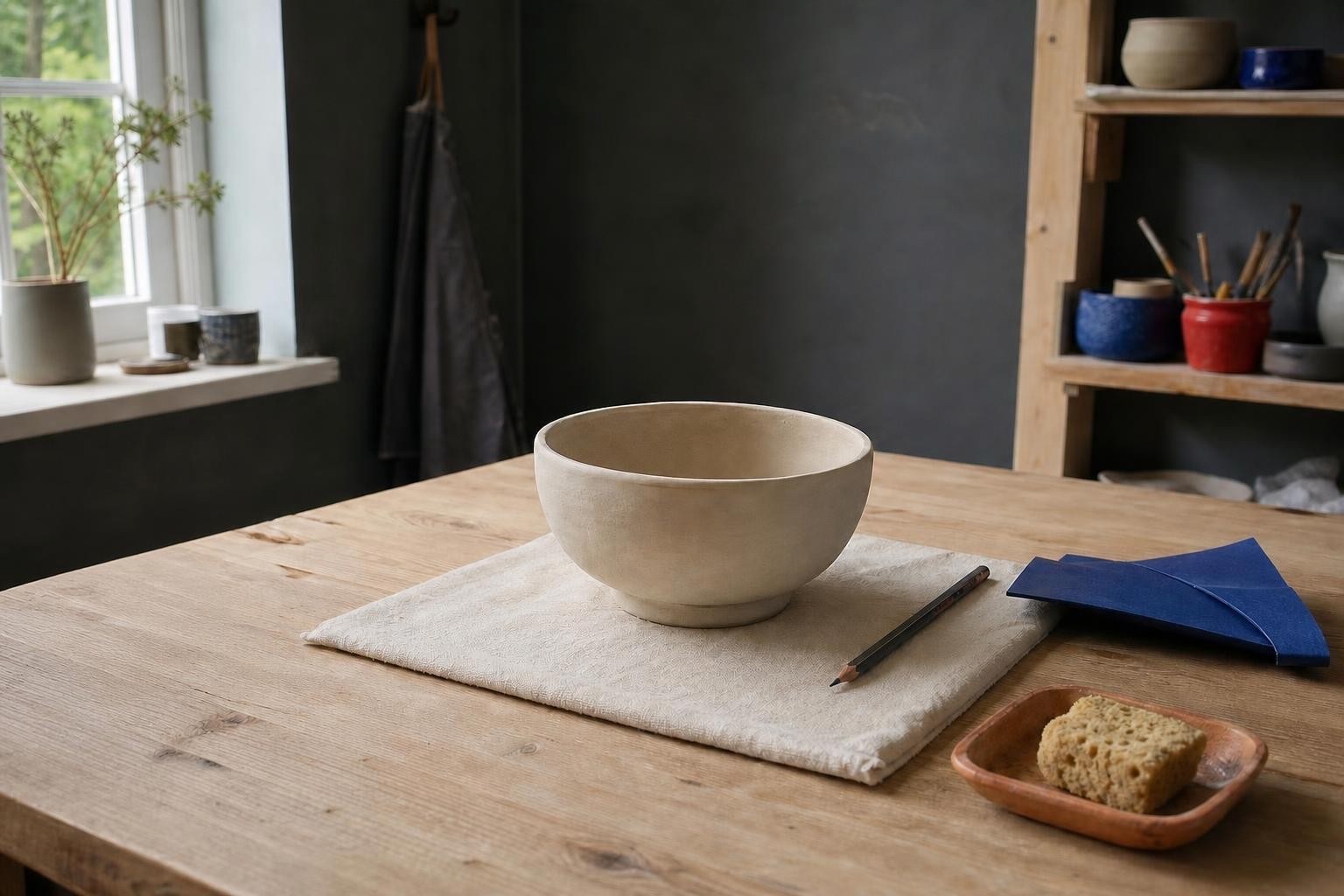
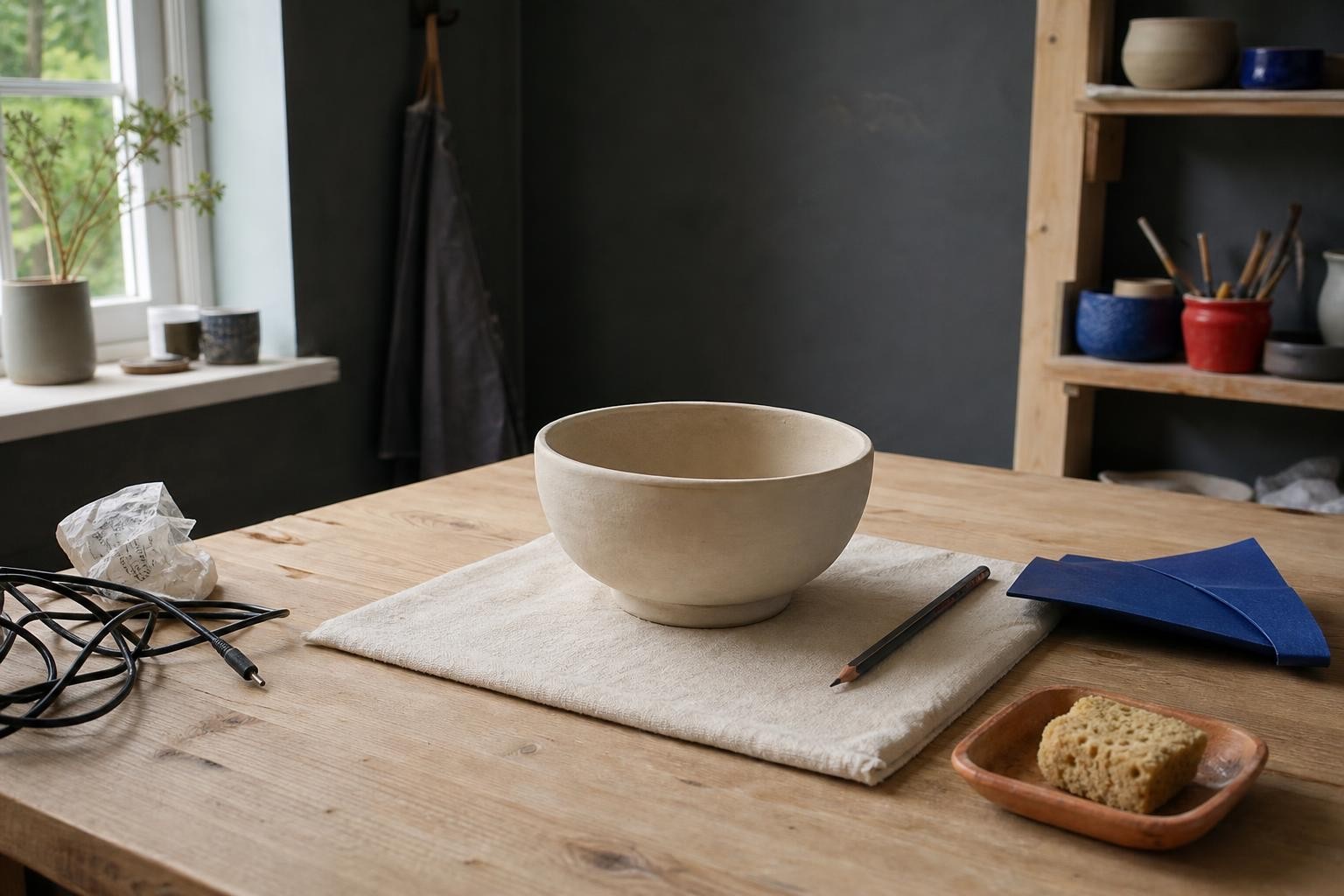
Product campaign edited with the free AI photo editor online using Nano Banana 2
Product campaign original photo before editing
BeforeAfter
Example comparisonProduct campaign · Nano Banana 2

See the edit before you upload your own photo.

Why one small photo edit still costs an afternoon without an AI photo editor

Most free photo editors online stop at filters, crops, and presets — none of them is a real AI photo editor. Anything real — removing an object, replacing a background, restoring a damaged scan — pushes you toward a desktop licence, a paid tier, or a watermark stamped across the download. The change is not hard to describe. It is hard to get done.

This AI photo editor takes the description instead. Say what should change and the edit happens on your original picture rather than on a template: remove the object, change the colour, replace the background, restore the old photo. The first edit runs without an account, and nothing is stamped on the result.

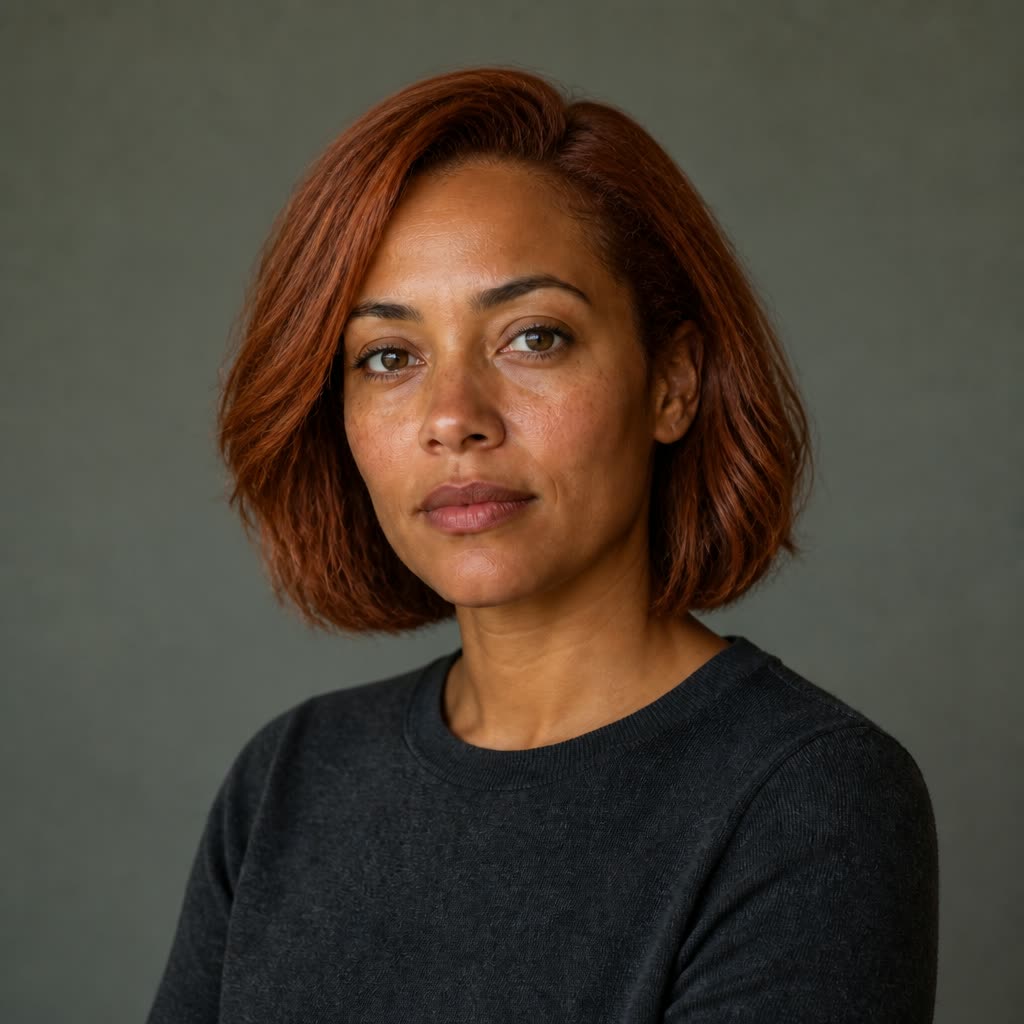
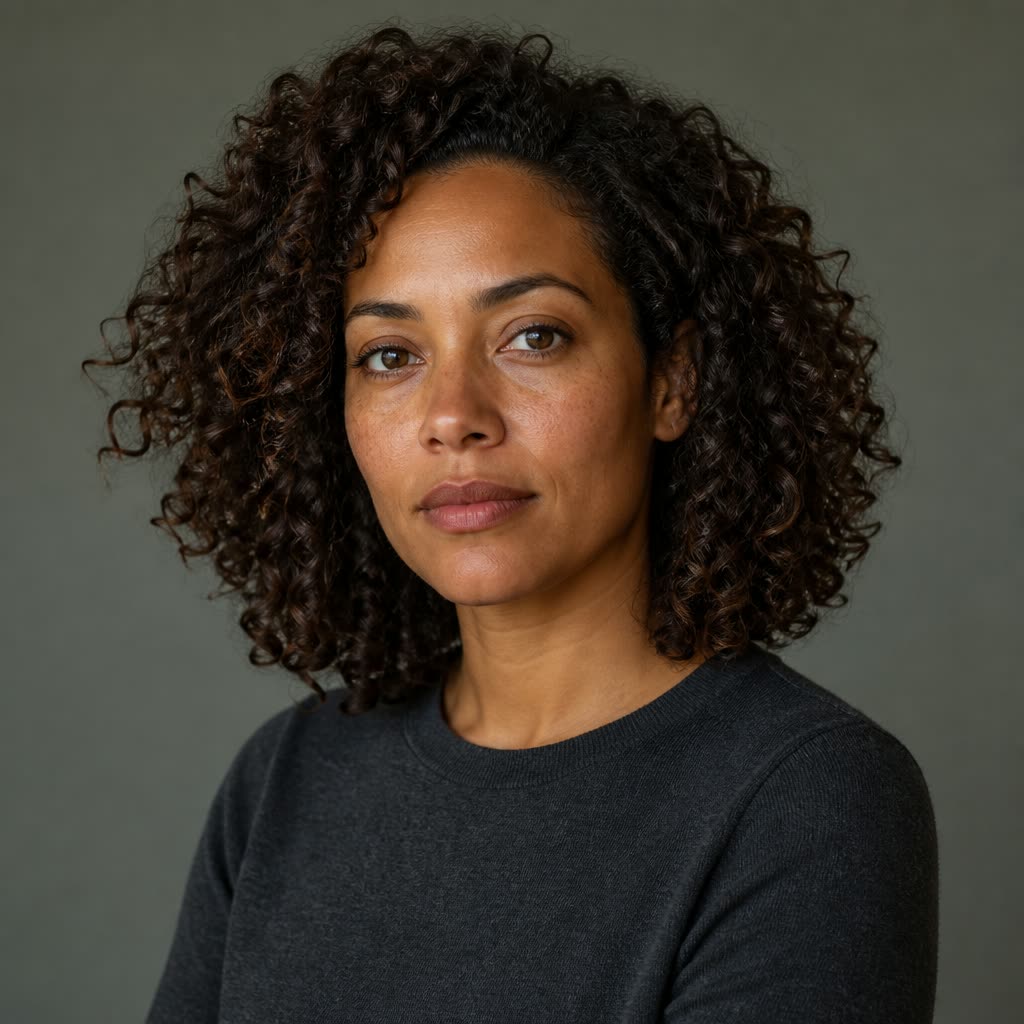
Remove object result from the free AI photo editor online, made with GPT Image 2
Remove object original photo before editing
BeforeAfter

Edit a photo in three steps

  1. Upload a photo

    Upload one JPEG, PNG, or WebP photo up to 10 MB and choose the change you want to make.

  2. Describe the change

    Describe the edit in plain language — replace the background, remove an object, change a color, or transfer a style. The workspace keeps one reference image and the first-phase 1K square output visible before you submit.

  3. Preview and keep it

    Preview the result on this page. Try again when needed, then sign in to download or save the edit to your history.

What people edit with this AI photo editor

Marketing and social

Campaign shots that need a clean background, ad variants in a second colour, and post artwork cropped for each channel. Describe the change once and the AI photo editor applies it to the picture you already shot.

Product and packaging

Packshots with the clutter removed, label concepts in a different colour, and hero images moved onto a new backdrop before a photo shoot is booked.

Editorial and blogging

Header art and inline figures that match a house style instead of generic stock photography, with the same treatment repeated across a long series of posts.

Personal and creative

Portraits with a distraction erased, old family photos restored, and everyday pictures restyled — finished in an AI photo editor with no desktop software to learn first.

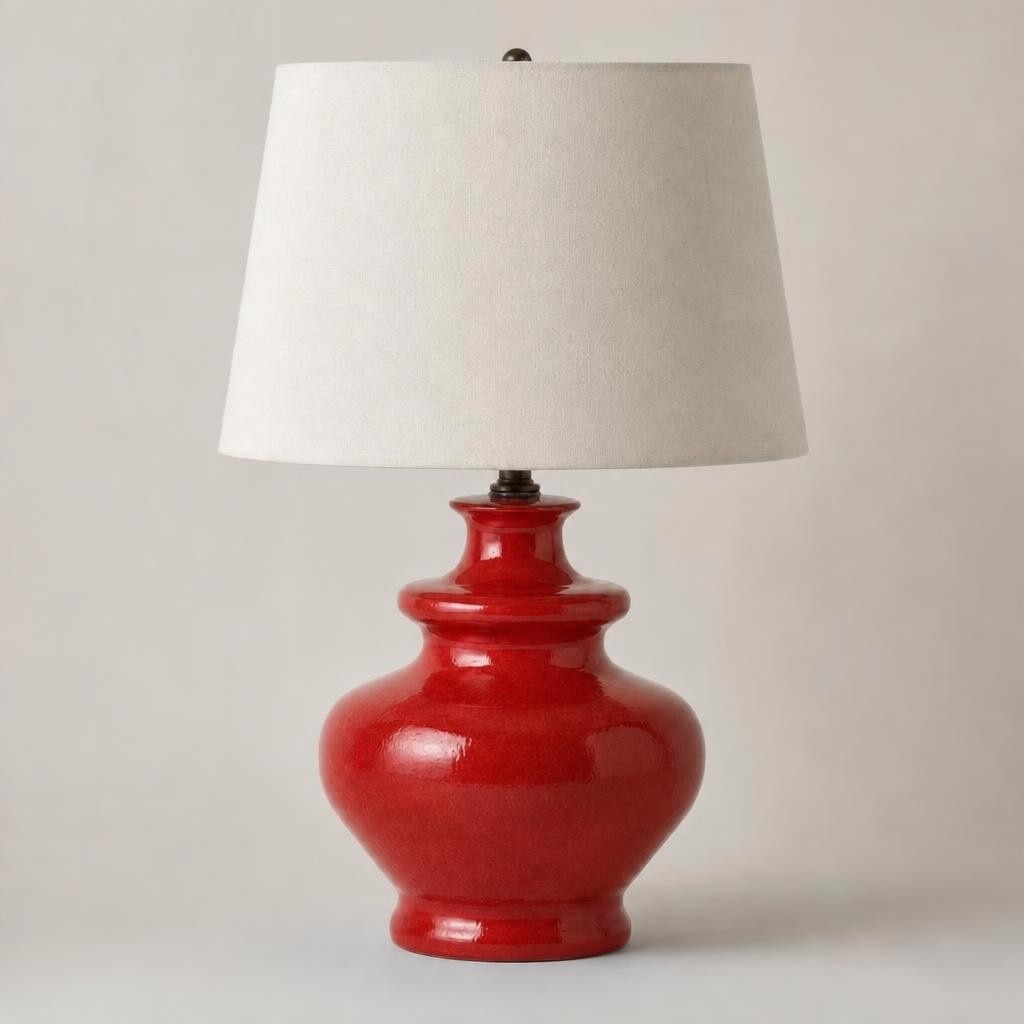
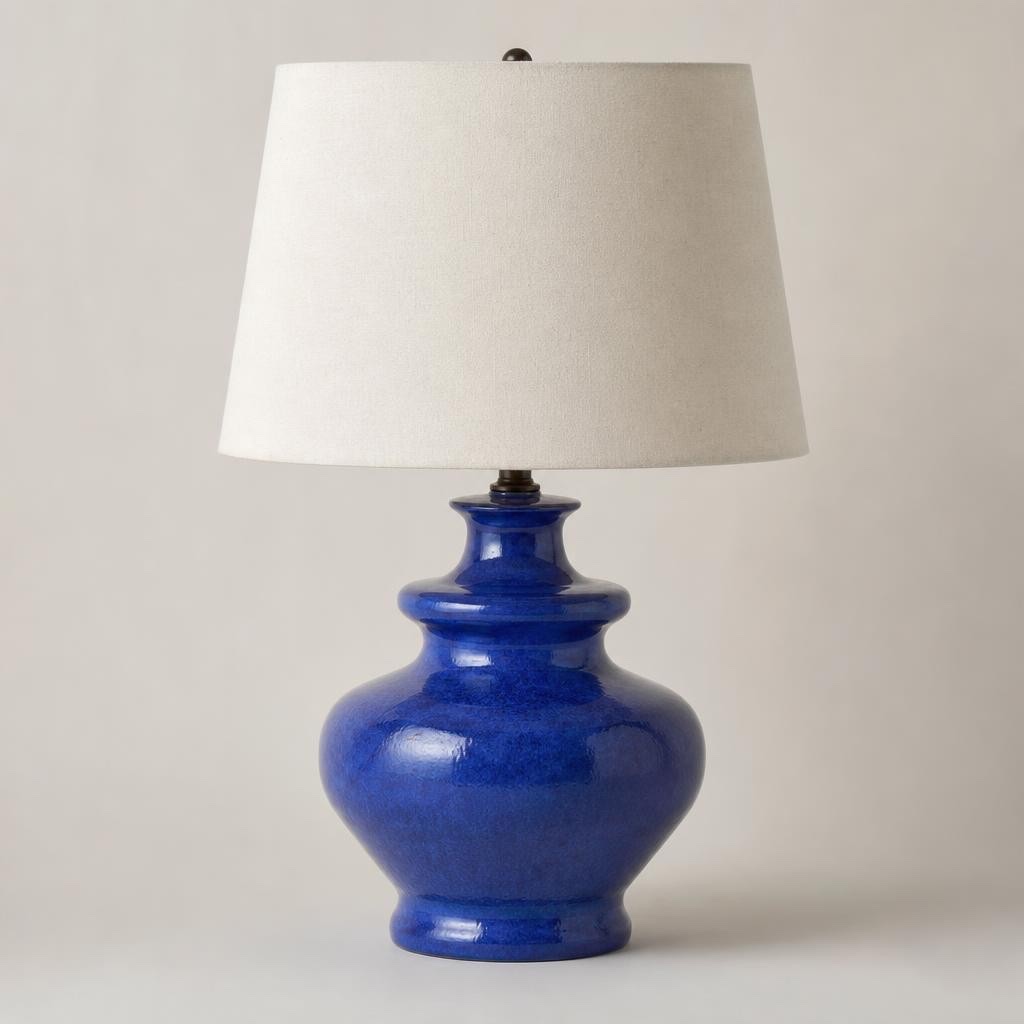
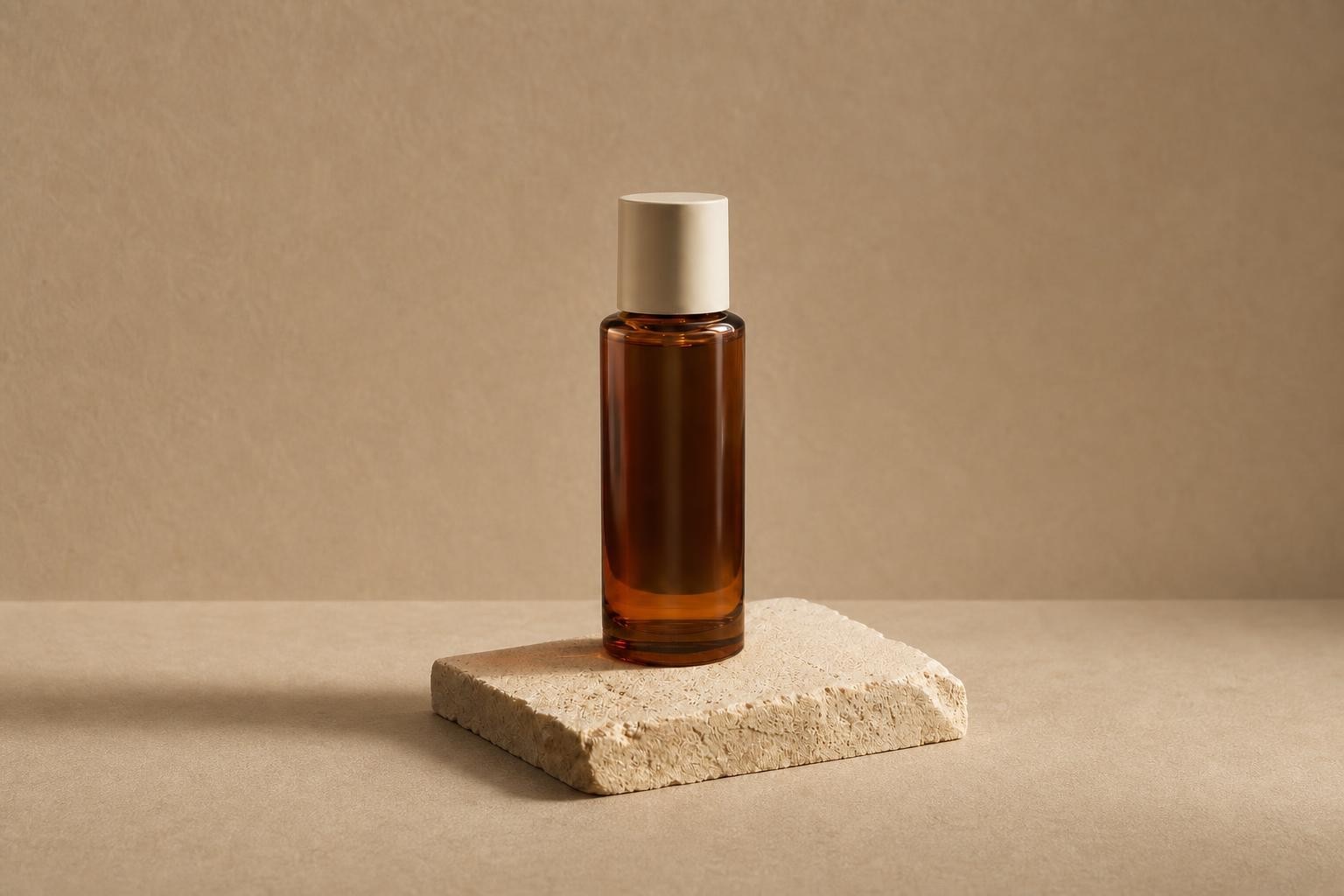
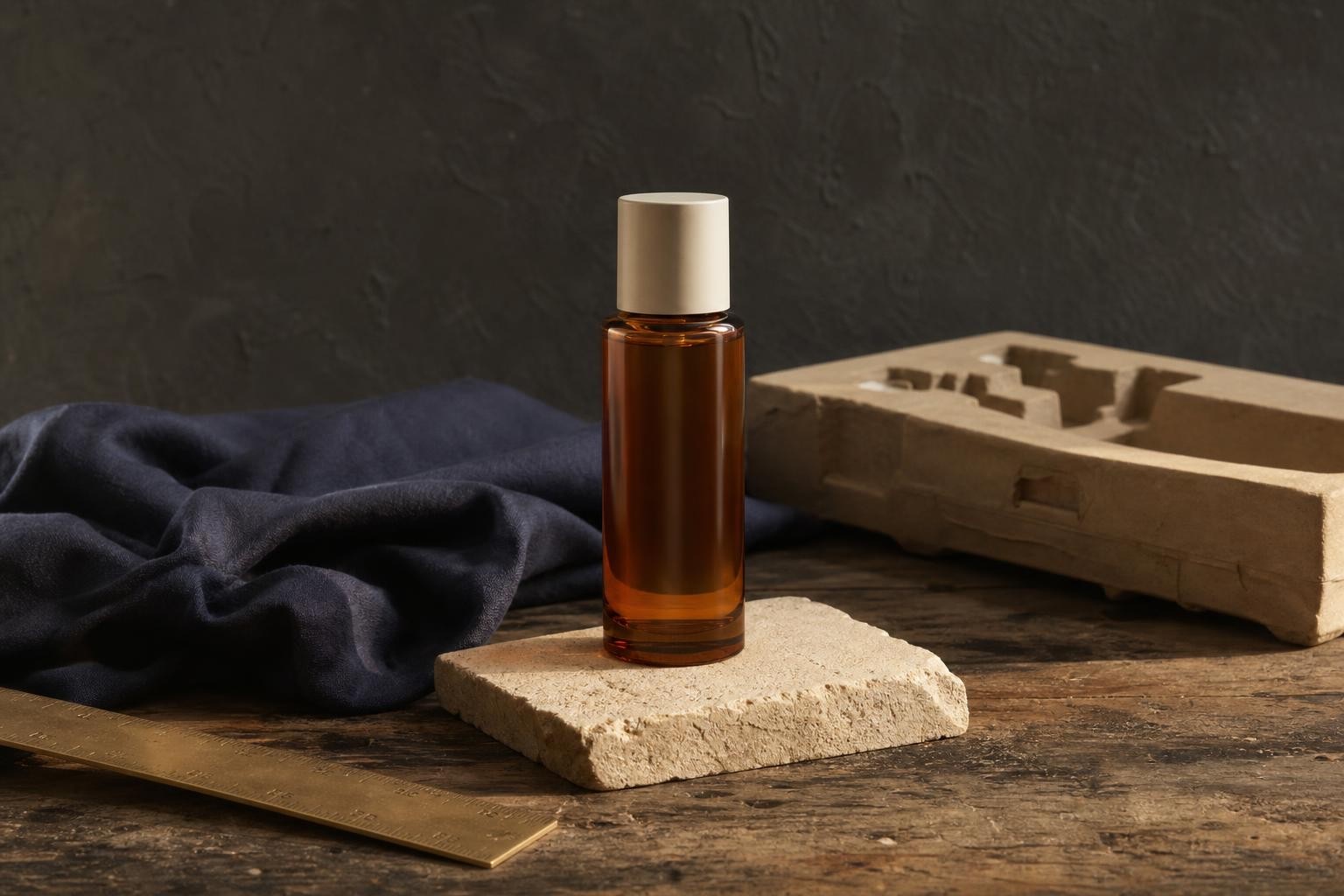
Product campaign result from the free AI photo editor online, made with GPT Image 2
Product campaign original photo before editing
BeforeAfter

Before you begin

What the free workspace supports

This free AI photo editor online is intentionally focused for your first edit, so the input, output, and next step stay clear.

One reference image
One reference image
File formats
JPEG, PNG, or WebP
File size
Up to 10 MB
Output
Output: 1K · 1:1
Guest access
One guest edit is available in each rolling 24-hour window.

Choose Replace Background, Remove Object, Change Color, Restore Photo, or Transfer Style in the AI photo editor above.

Inside the workspace

A focused photo-editing start

The homepage runs one verified Nano Banana 1K edit, so the first result is predictable. Open the full AI photo editor workspace when a job needs more models, a larger output, or several pictures in a row.

Edits driven by a sentence

Upload a picture and describe the change in one sentence. The tool works from your original file, so replacing a background or removing one object leaves the rest of the frame untouched.

A library that keeps working

Every generated result lands in your history with the wording, model, and settings attached, so an edit that worked in March can be reproduced in September instead of hunted for.

Wordings that already worked

Thousands of prompts sit next to the pictures they produced. Read the phrasing that worked for object removal or a colour change, adapt it, and skip most of the trial and error.

Subscribe or buy as you go

Pick a monthly plan for credits on a predictable schedule, or buy one-time packs when work spikes. Larger packs bring the cost of each edit down.

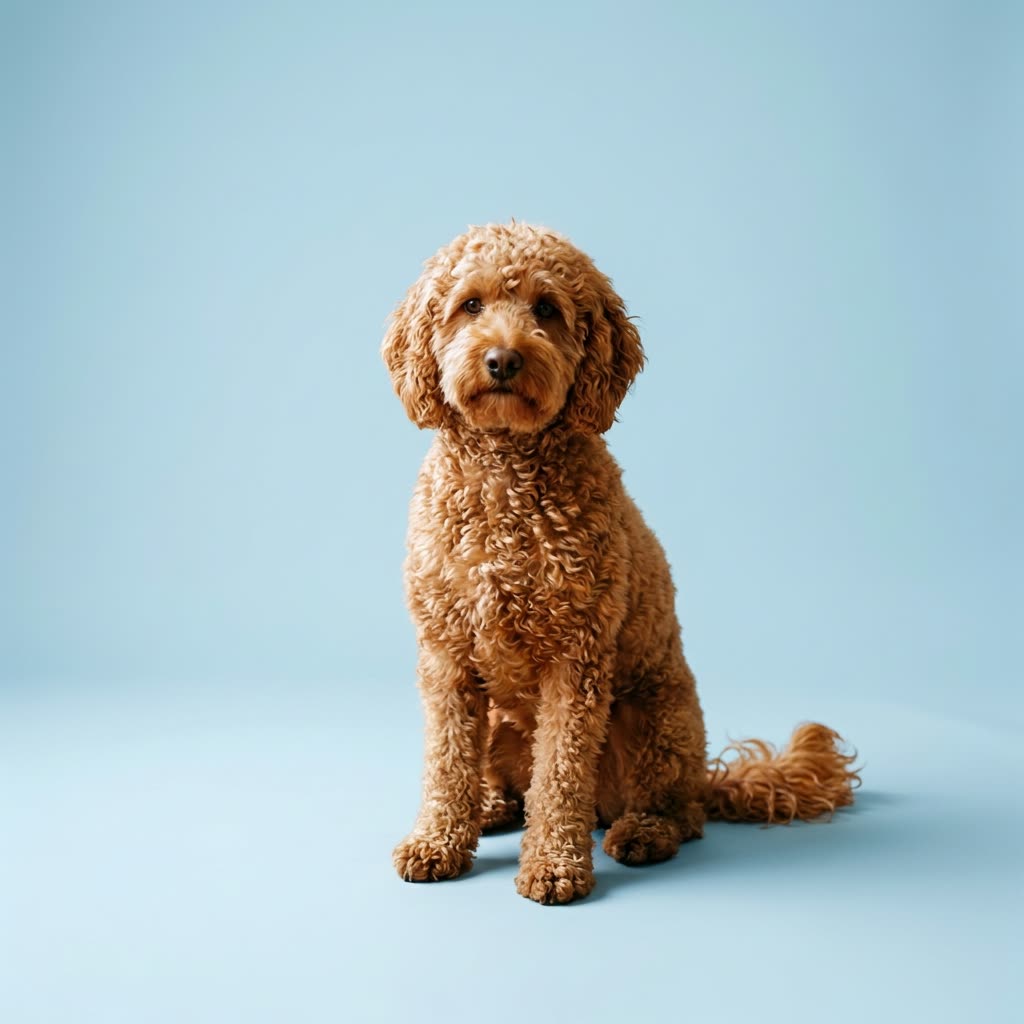
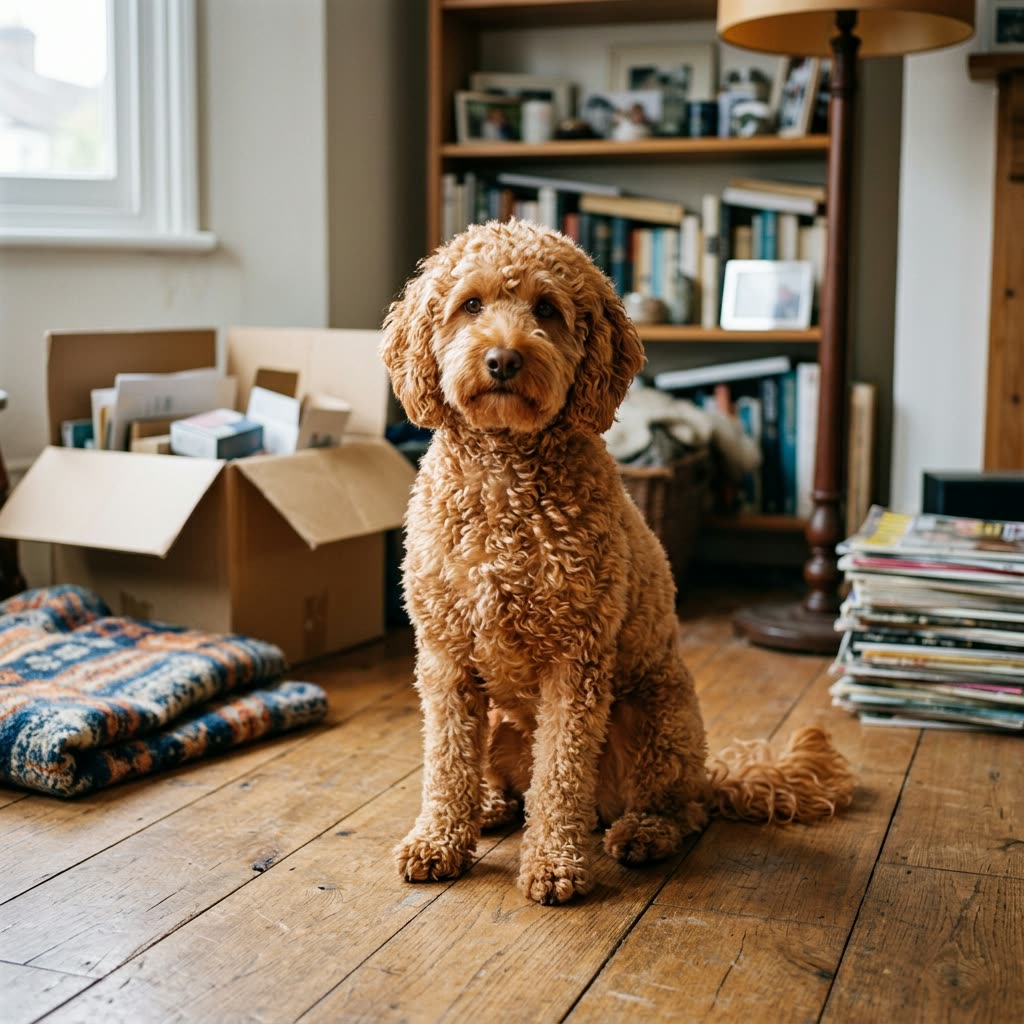
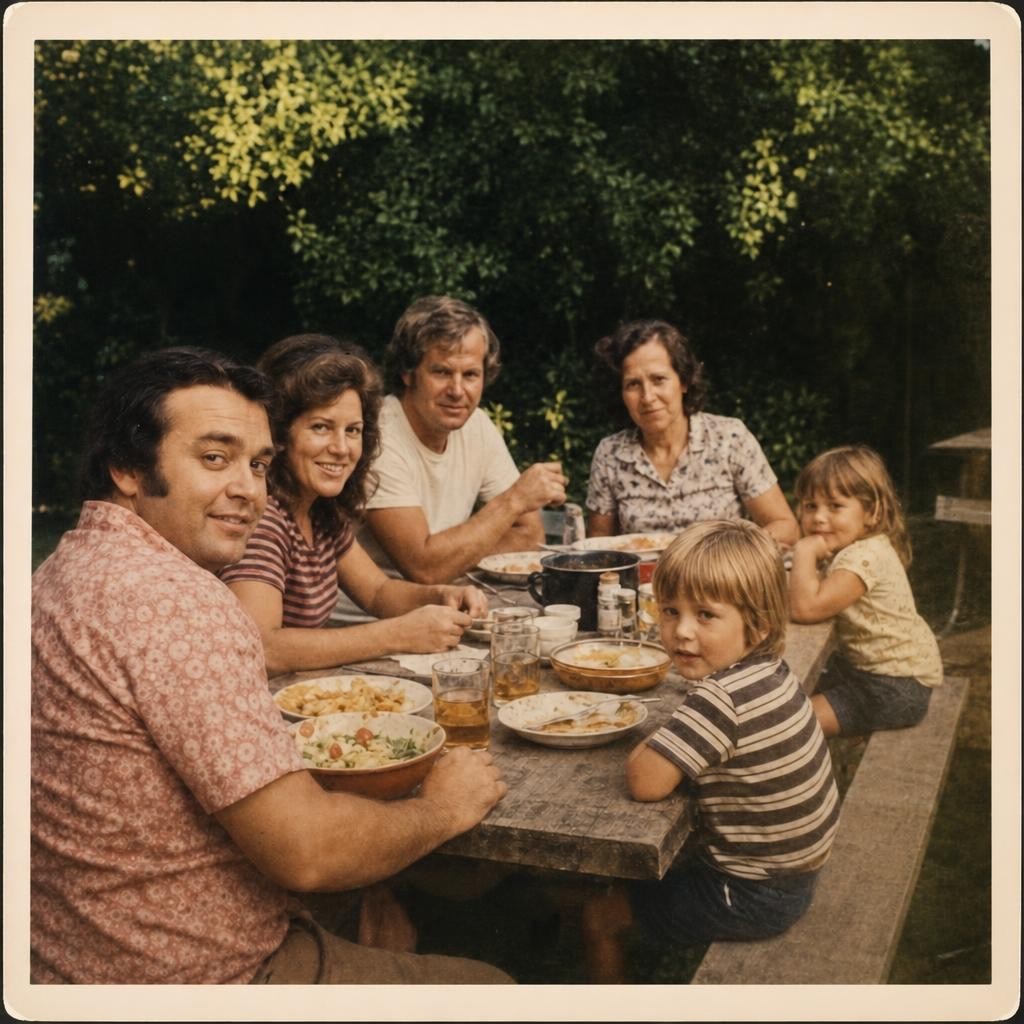
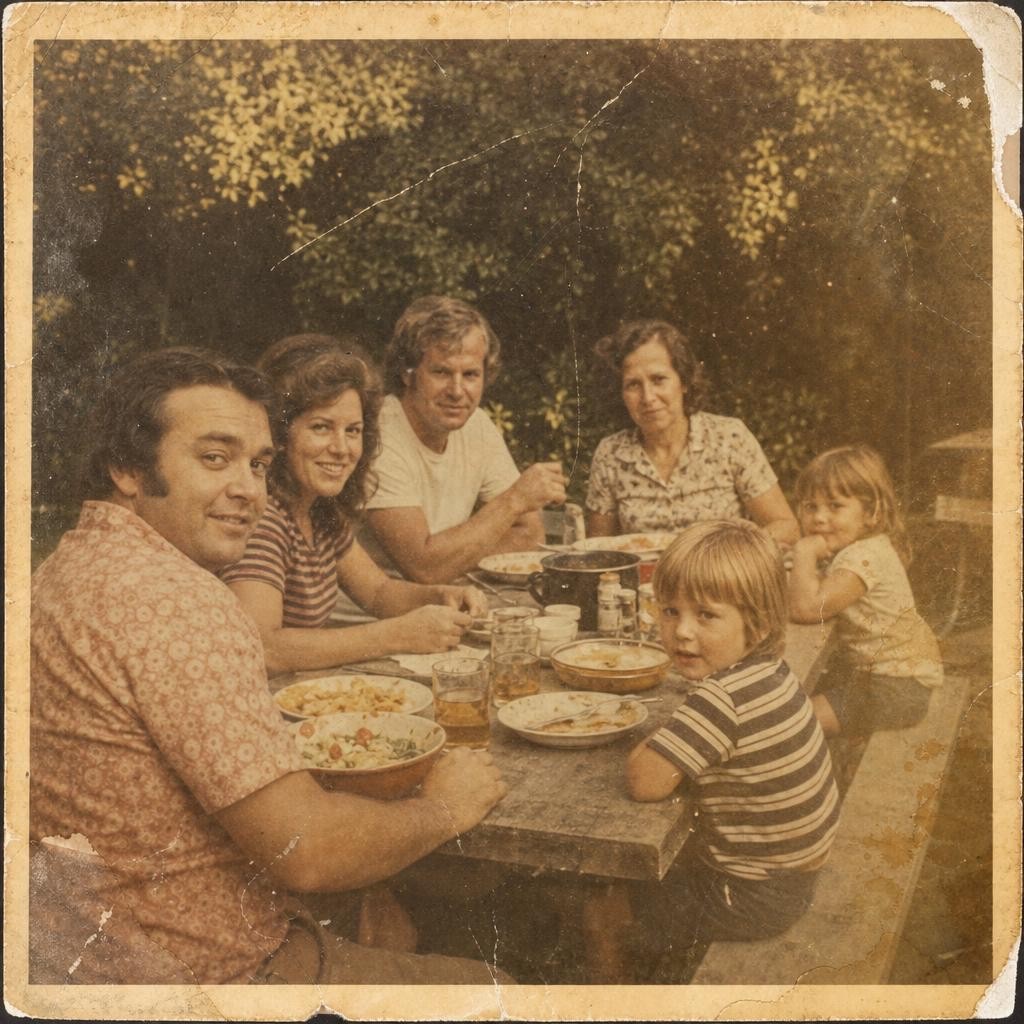
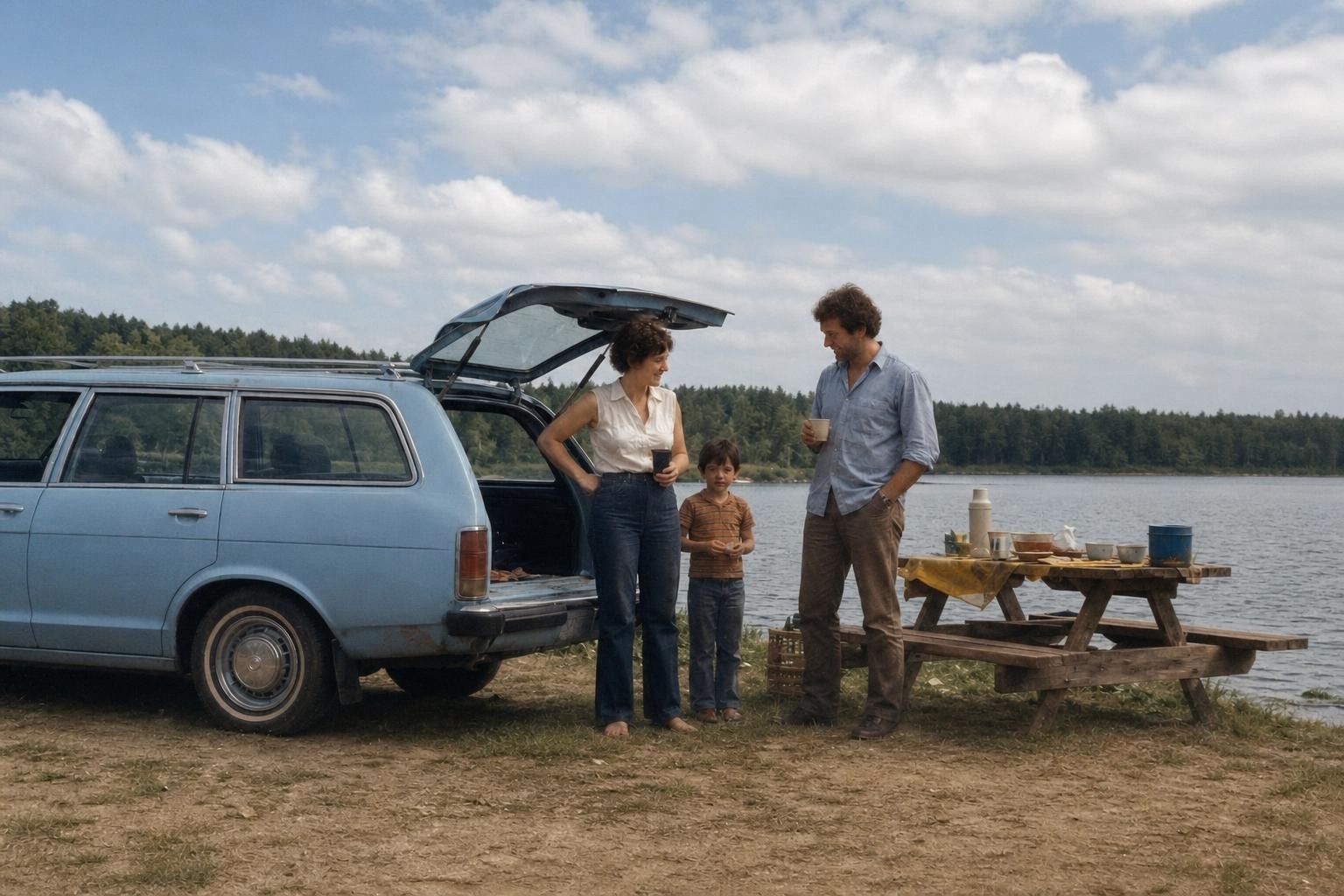
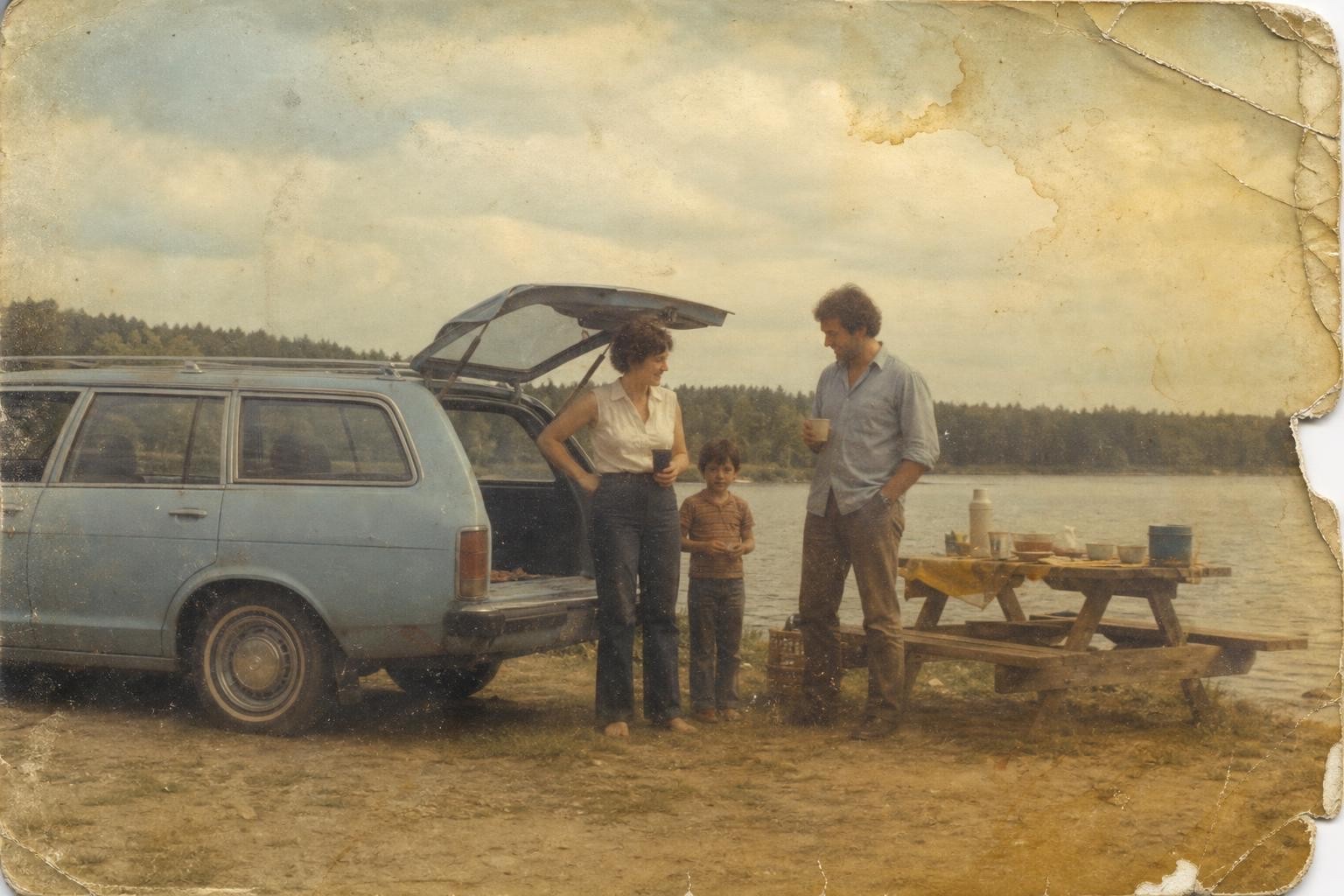
Restore photo result from the free AI photo editor online, made with GPT Image 2
Restore photo original photo before editing
BeforeAfter

Why this free AI photo editor online

No model lock-in

More than one model sits behind this AI photo editor, so a picture is never bound to one vendor's house look or one vendor's outage.

A free first edit

Start one AI photo editor job in each rolling 24-hour window without registering, then preview the result on this page before you decide anything.

Download when ready

Sign in before downloading or saving a guest result. Your account keeps the claimed edit in your history, next to the wording that produced it.

Browsing costs nothing

The gallery and the prompt library stay open without an account, so reading up on what works costs nothing at all.

Fast by default

The quick models are tried first, so most edits come back in seconds rather than minutes.

Built for iteration

Few edits land on the first try. This AI photo editor is built around the second and third attempt, which is where a usable picture normally appears.

Everything Inside FluxDream

FluxDream is organised into a few simple entry points. Pick the one that matches where you are: a blank page, a reference to edit, or someone else's finished piece to build on.

Free AI photo editor online FAQ

Can I try the AI photo editor without registering?
You can start one guest edit in each rolling 24-hour window. No registration is needed to upload and preview the result; sign in to download or save it.
What can the first-phase AI photo editor accept?
The first-phase guest editor accepts one JPEG, PNG, or WebP reference image up to 10 MB and uses Nano Banana 1K at 1:1.
How do I edit a photo with this AI photo editor?
Choose an edit task, upload one photo, describe the change, and select Try one free edit. The result appears in the same page while it is being prepared.
How do I download my edited result?
The guest result is a private preview. Sign in before downloading or saving it to your FluxDream history.
Which edit tasks are available?
The first-phase editor offers five focused tasks: Replace Background, Remove Object, Change Color, Restore Photo, and Transfer Style.
What are the guest editor limits?
The upload accepts JPEG, PNG, and WebP files up to 10 MB. The guest setup uses one reference image and returns a 1K square result.
How long does an edit take?
Editing time depends on the request and current queue. The workspace keeps the status visible and shows a friendly error if the edit cannot finish.
Is this AI photo editor free to use?
The first guest edit in each rolling 24-hour window is free and needs no account. Creating an account adds welcome credits, and monthly plans or one-time credit packs cover heavier use.
Does the editor work on a phone?
Yes. The editor runs in a mobile browser with nothing to install. Upload a photo, type the change you want, and preview the result on the same page.
Do you put a watermark on the result?
No watermark is added to the edited image. The result you preview is the result you download once you sign in.
How is this different from filters and presets?
A filter applies the same transformation to the whole frame. This tool changes one described thing — an object, a background, a colour — and leaves the rest of the photo as it was shot.
What if the first edit is not what I wanted?
Rewrite the instruction and run it again. Guests get one edit per rolling 24-hour window, so signing in is what makes back-to-back attempts possible.

Edit a photo before you make an account

Start one edit in this AI photo editor without registering. Sign in when you want to download or save the result.