
AI Photo Restoration That Preserves Real Faces
Bring scratched, faded, or creased family prints back to sharp life with an AI photo restoration workbench built for likeness fidelity. Unlike black-box apps that invent facial hair or push annual plans, this AI photo restorer separates old photo restoration into six plain-English modes—from monochrome scratch cleanup to gentle presets that colorize old photos naturally. Test your first edit with signup gift credits like an AI photo restoration online free trial, then pay per image with zero subscription lock-in.
Upload tip: Scan or photograph paper prints flat under soft daylight with zero glare for sharper AI photo restoration, and always keep your unedited original archived.
AI Photo Restoration Workbench

Choose a Restoration Mode
Scratch & Crease RepairClears dust specks, cracks, and fold lines on an old damaged photo while keeping original monochrome or color intact.
Source
Your image
Result
Your result
- 6 Clear ModesScratch repair, natural colorization, face clarity, fade balance, archival sepia, and crisp monochrome.
- No Face ReplacementCleans physical wear without replacing facial structure or inventing features.
- Transparent CreditsSee exact cost before running, skip yearly plans, and get automatic refunds on failed runs.
- Private Family ArchiveUploads stay private by default, with unwatermarked downloads on paid credits.
Six Plain-English Presets for AI Photo Restoration
Different prints need different care. Our AI old photo restoration gallery separates physical cleanup, color balance, and optional colorizing so you control every result.
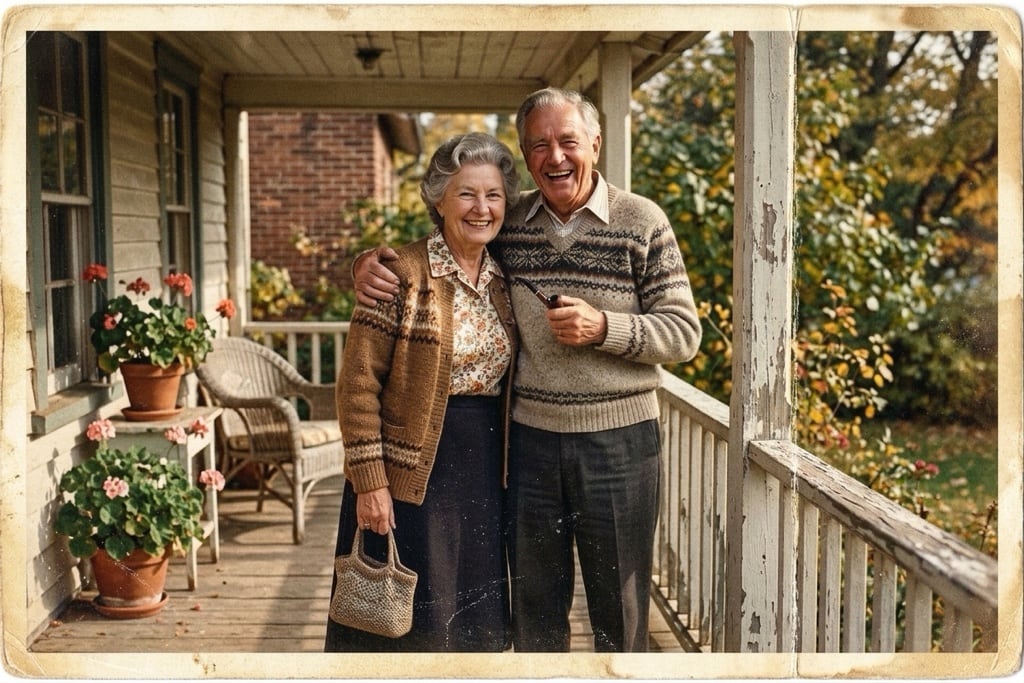
Scratch & Crease RepairClears dust specks, cracks, and fold lines on an old damaged photo while keeping original monochrome or color intact. 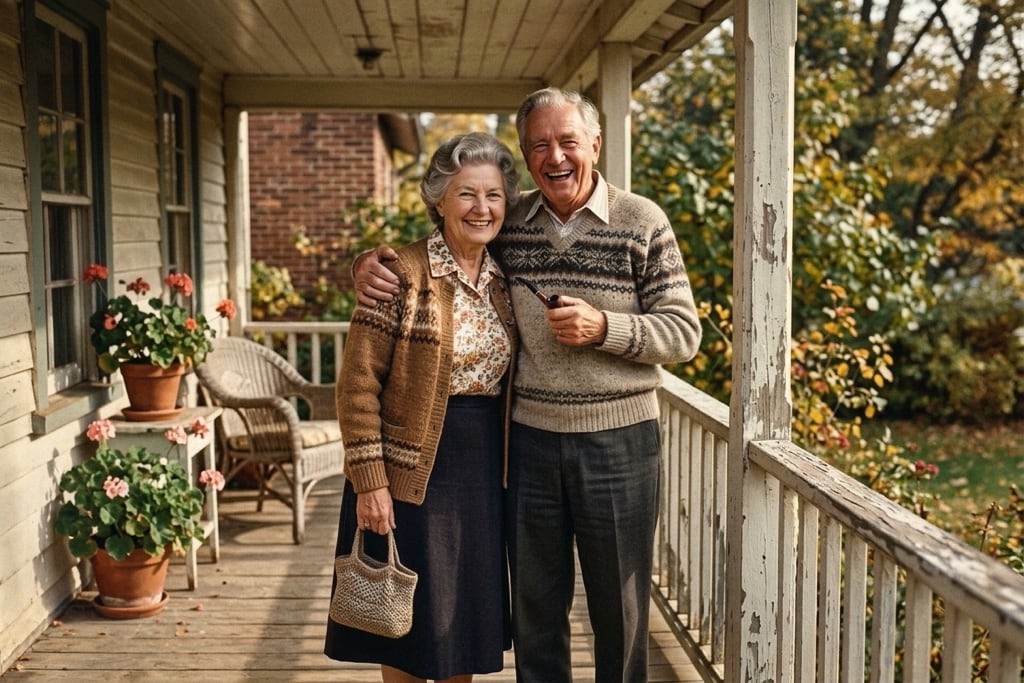
Natural Historical ColorizationBuilt to colorize old photos with understated period hues during old photo restoration and colorization—never neon saturation. 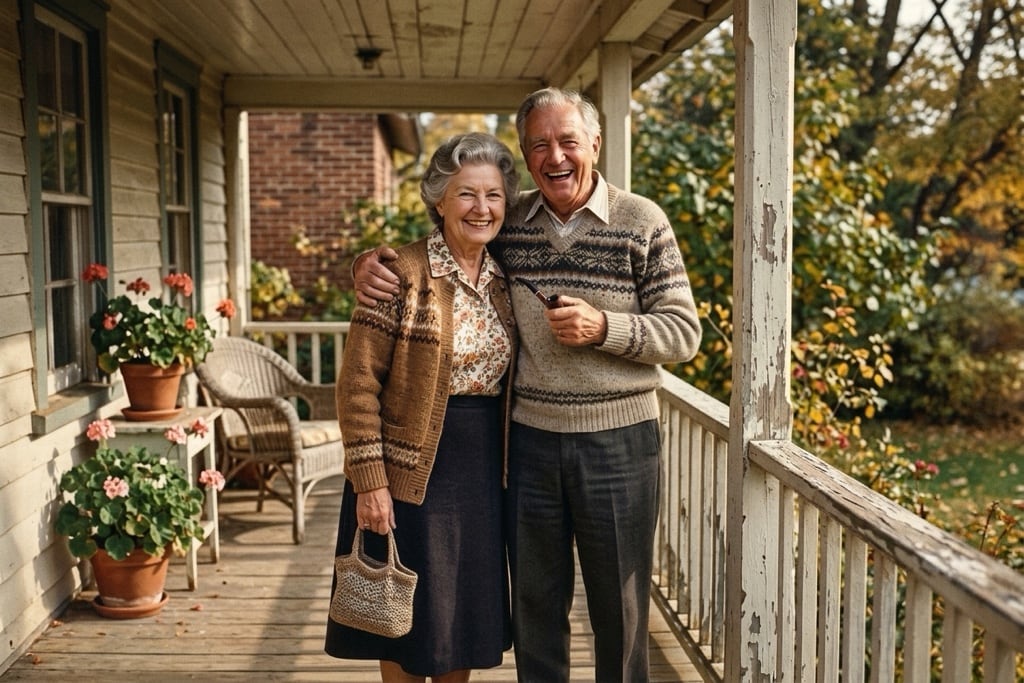
Portrait & Face ClarityLifts soft focus on grandparents' portraits while preserving authentic wrinkles, eyewear, and natural skin texture. 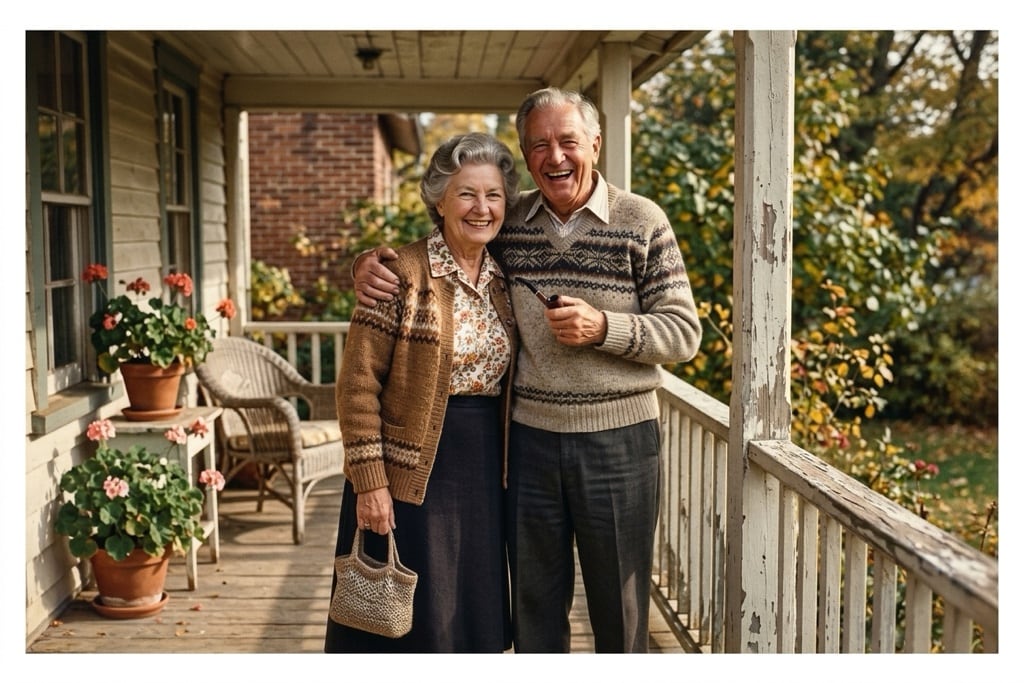
Fade & Yellow Color BalanceCorrects sun-bleached highlights and 1970s/80s paper yellowing when you restore old images from aging albums. 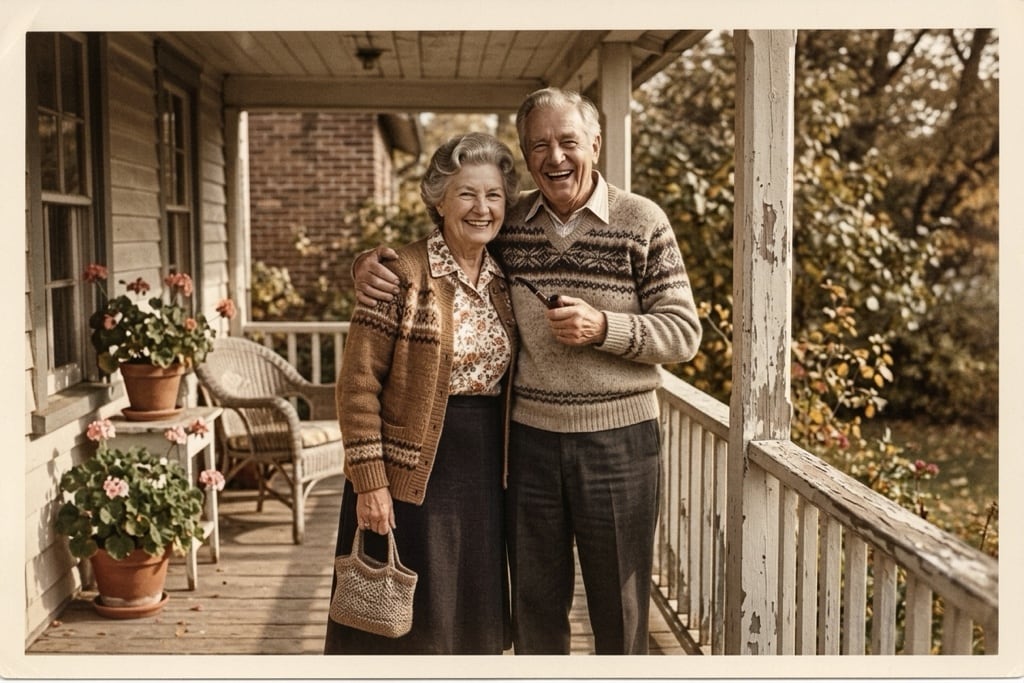
Archival Sepia CleanRemoves spots and edge wear while keeping warm vintage sepia tone intact for heirloom framing. 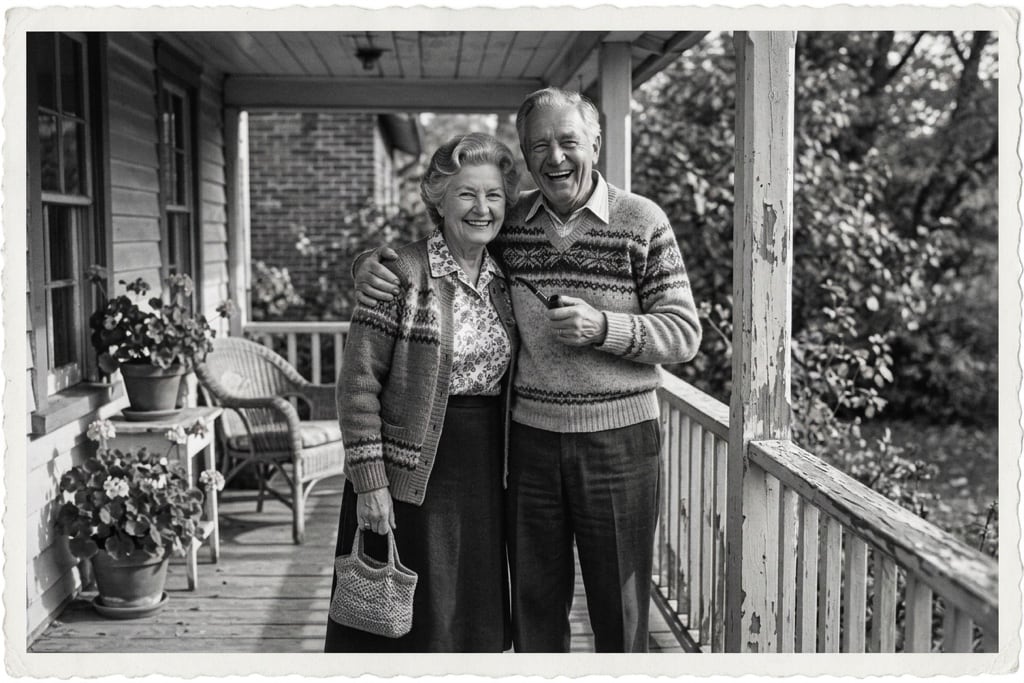
Crisp Silver MonochromeRestores tonal contrast and fine grain for black-and-white prints that should stay strictly monochrome after AI photo restoration.


Fix Scratches & Blur Without Plastic Faces or Yearly Subscriptions
Families trying to fix old photos hit the same three frustrations with mainstream photo restoration tools. Here is how our AI photo restoration workbench solves each one.
Zero Invented Faces or Uncanny Hands
Heavy photo restoration AI models frequently add moustaches, swap expressions, or warp fingers and pet tails. Our presets constrain edits to damage removal and optical clarity so loved ones stay recognizable.
No Fake-Free Yearly Paywalls or 1000px Caps
Sites promoting old photo restoration online free often trap uploads behind $180–$360 annual plans or blurry 1000px limits. FluxDream shows exact credit pricing upfront so you repair old photos one print at a time.
Skip $10+ Public Forum Posts for Private Keepsakes
Hiring editors on public threads to restore old photos costs $10+ per image and exposes family portraits online. Here uploads stay private, finish in seconds, and auto-refund if a run fails.
How to Run AI Photo Restoration in Three Simple Steps
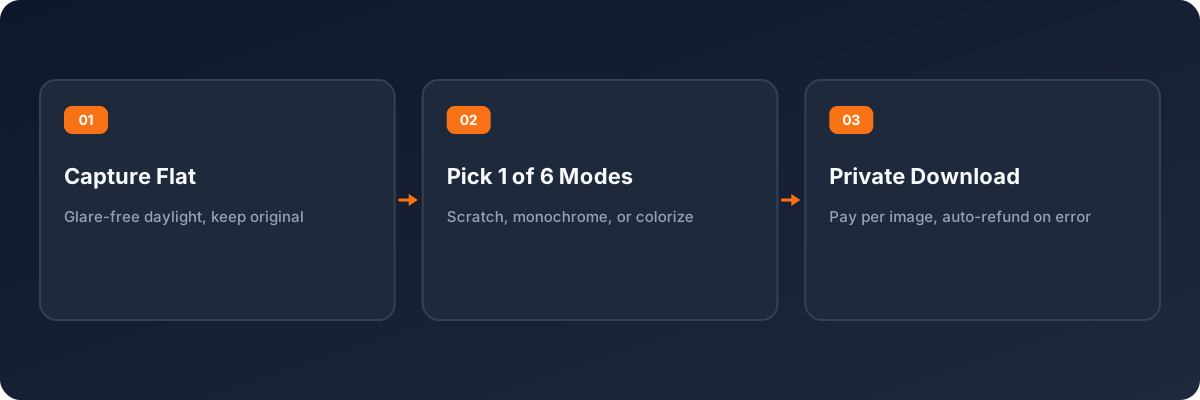
A glare-free capture paired with the right preset helps AI restore old photos faithfully while protecting your family archive.
- 1
Scan or Capture Flat Without Glare
Looking up how to restore blurry old photos on phone cameras? Lay prints flat near soft window light (flash off) or scan at 300–600 DPI. Upload JPG, PNG, or WebP up to 10 MB, and always keep your untouched original backed up.
- 2
Choose the Exact AI Photo Restoration Mode
Pick scratch-only cleanup, fade balance, sepia preservation, or natural colorization so edits fix real wear without altering faces or unwanted color shifts.
- 3
Check Credits, Generate Privately, and Download
Try signup gift credits (like a restore old photos online free preview) or use paid credits for clean unwatermarked originals. Review exact credits beside the button; failed runs refund automatically.
Heirloom Prints, Monochrome Preservation & Natural Colorization
Targeted AI photo restoration presets handle the four real keepsake scenarios families care about most.
Memorial Portraits & Framed Family Gifts
Clean deep scratches and creases on an old damaged photo before printing a shadow box or birthday frame while keeping your loved one's exact expression recognizable.
Rescuing Faded & Yellowed Scans
Use Fade & Yellow Color Balance to remove faded parts of scanned image files from 1960s–1990s albums without over-sharpening paper grain.
Black-and-White Restoration & Colorization
Combine gentle crack cleanup with period hues via old photo restoration and colorization when you want to restore old photos into lifelike color prints.
Sharpening Blurry Phone Album Snapshots
When relatives send album captures and you need how to restore blurry old photos on phone screens, Portrait & Face Clarity helps enhance old photos cleanly once photographed flat without glare.
Real Facial Identity, Private Storage & Honest Archival Guidance
Responsible photo restoration respects the original print first. Here is how our AI photo restorer protects likeness and privacy.
Conservative Face Preservation
Prioritizes faithful photo repair over heavy repainting—clearing tears and yellowing while keeping eyes, smiles, hair, and clothing faithful.
Six Focused Presets Instead of One Blind Filter
Dedicated modes let you repair old photos with clear intent—fixing scratches without forcing unwanted colorization.
Pay-Per-Image Credits & Auto-Refunds
Restoring three keepsakes shouldn't require a yearly subscription. Check exact credits upfront, and receive automatic refunds if any restoration run fails.
Private Storage & Archival Honesty
Family prints stay private in your account by default. We also remind users to archive originals permanently, since heavily missing areas are digital estimates rather than physical recovery.
AI Photo Restoration FAQ
Honest answers on facial fidelity, monochrome preservation, phone captures, transparent pricing, and privacy.
- Which AI can restore old photos without changing faces?
- When asking which AI can restore old photos naturally, the biggest risk is over-repainting. Our AI photo restoration presets pair our natural-skin portrait model with strict preservation rules so scratches disappear while relatives still look like themselves.
- How to restore old photos with AI while keeping monochrome or sepia?
- To learn how to restore old photos with AI without unwanted color, pick Scratch & Crease Repair, Archival Sepia Clean, or Crisp Silver Monochrome. Each cleans wear while keeping original tones strictly intact.
- Is this AI photo restoration tool free, and are downloads watermarked?
- New accounts get signup gift credits to test how to fix old photos first. Gift-credit outputs include a watermark; paid credits unlock clean, unwatermarked originals. Unlike misleading old photo color restoration online free without watermark ads tied to yearly plans, we offer small pay-as-you-go credit packs with no recurring subscription.
- How should I photograph a paper print before running AI photo restoration?
- Place the print flat on a matte table near indirect daylight, hold your phone parallel, turn camera flash off to prevent glare, and crop tightly before uploading.
- What if part of a face is completely torn away?
- AI photo restoration reconstructs missing patches from nearby context, which works well on scratches and minor tears. For heavily missing facial areas, treat outputs as an informed estimate and never delete your original unedited print or scan.
- Are family photos private, and do failed runs cost credits?
- All uploads and AI photo restoration results stay private in your account by default and are never shown publicly. Any failed run refunds credits automatically.
More Photo Tools Using One Credit Balance
Move from AI photo restoration to portrait retouching, headshots, or flagship generation models with the same private FluxDream credit balance.
Restore Your Family Photos Privately Today
Skip annual subscription walls and public retouching threads. Use our AI photo restoration workbench at the top of this page to restore old photos clearly at transparent pay-per-image pricing.