
Output sizes
Choose 1K, 1.5K, or 2K, or set an exact pixel size for the deliverable.
Seedream 5.0 Pro generates and edits images from text prompts and reference images. Choose a 1K, 1.5K, or 2K output size, work with up to 10 references, and render text directly in the image.

Turn a text prompt into an image, then use reference images to keep identity, palette, materials, and composition consistent from the first concept to the final edit.
Choose 1K, 1.5K, or 2K, or set an exact pixel size. Check small text, faces, hands, and product details at full size before shipping.
One model for generating and editing images.
Choose 1K, 1.5K, or 2K, or set an exact pixel size for the deliverable.
Add up to 10 references to carry identity, palette, materials, or composition into the result.
Render headlines, labels, and small type in the image with correct spelling and layout.
Change objects or backgrounds and refine details without starting over.
Typical briefs, from character consistency to product scenes.
Portrait, product, interior, and poster frames that read as one visual system.
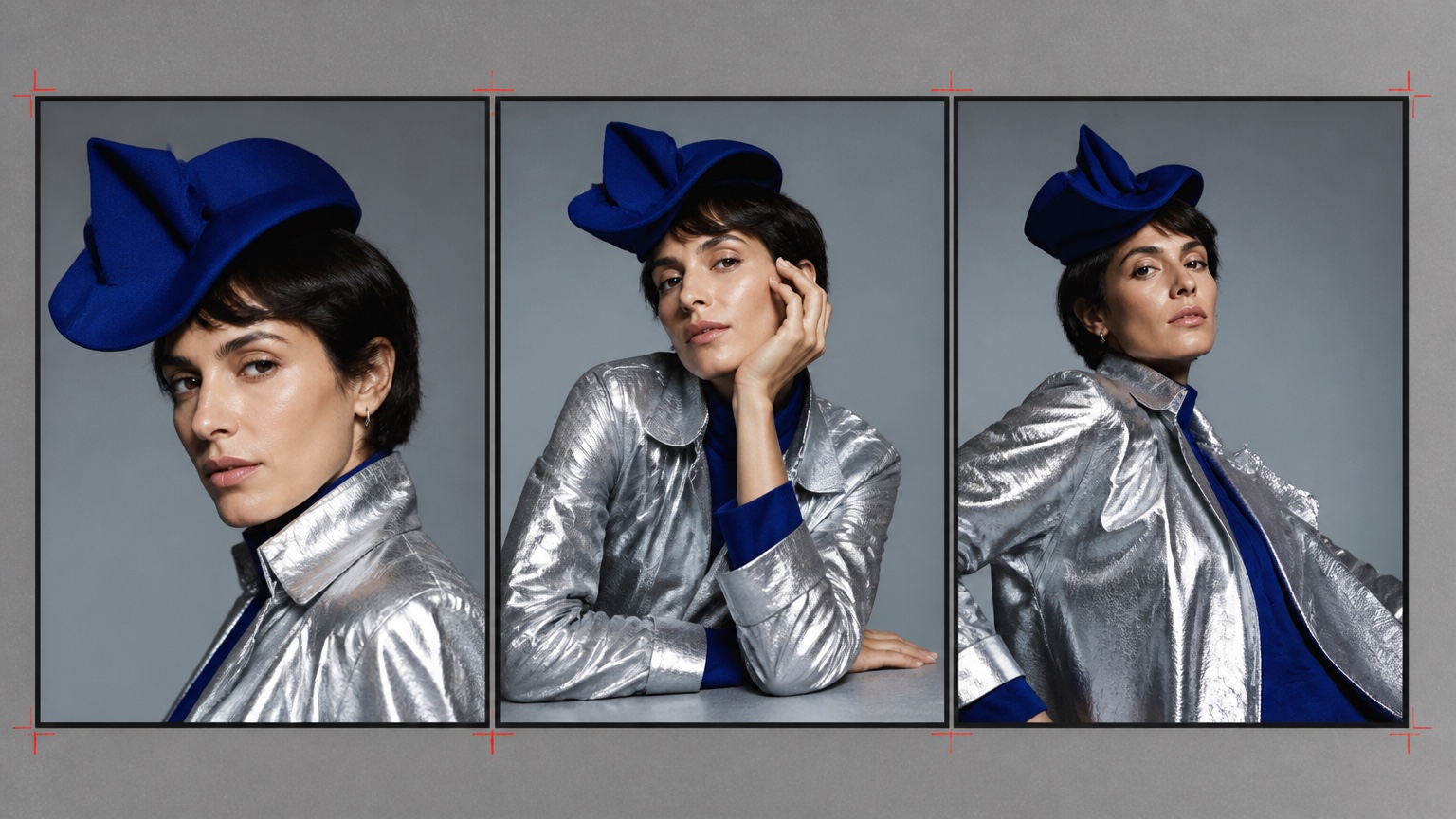
The same face, garment, and palette across different poses and crops.
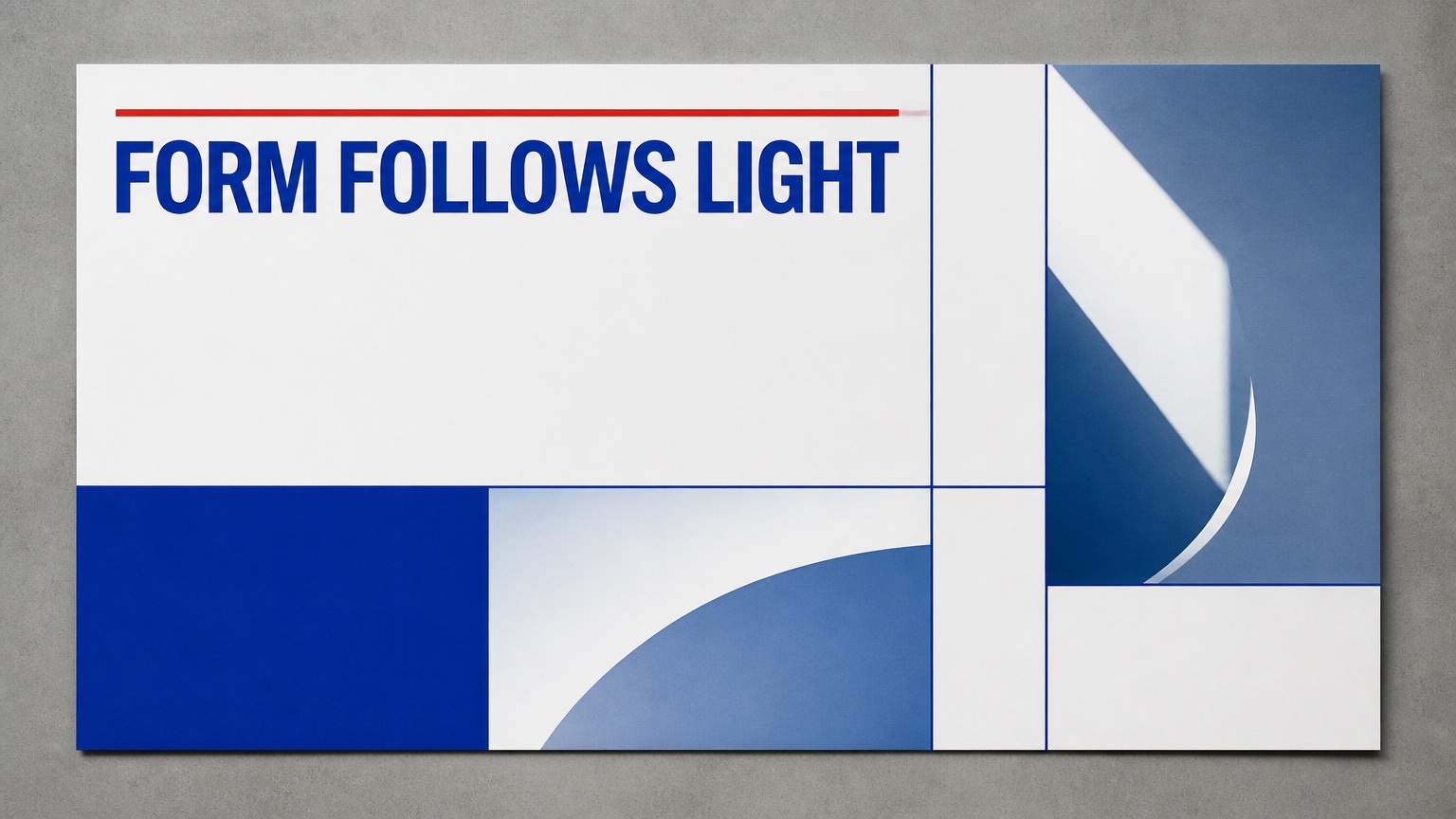
Headline, grid, and small type rendered directly in the image.
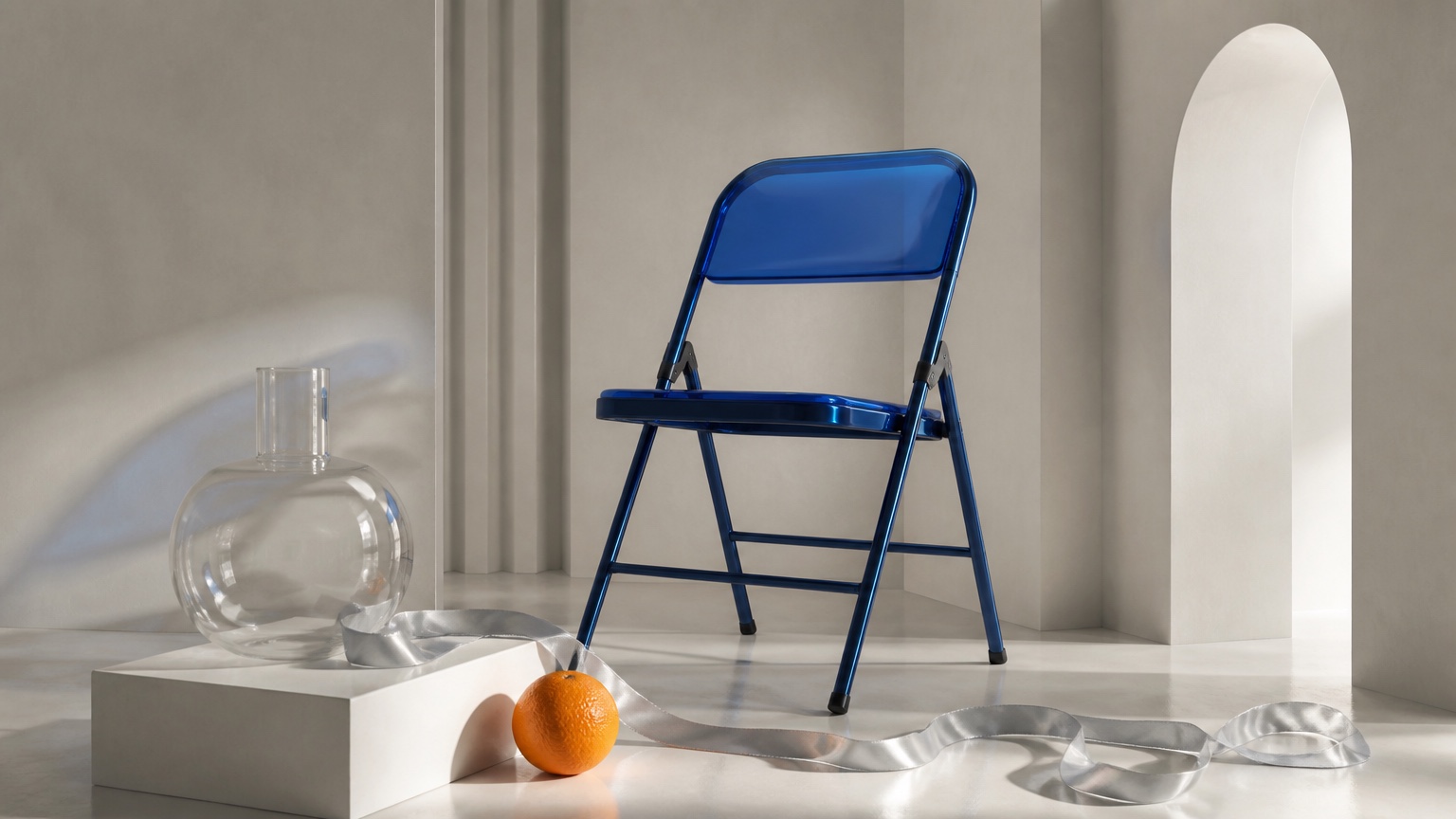
Clean still life with editable objects, reflections, and spatial layout.
Where Seedream 5.0 Pro fits.
One strong direction, then edits without losing the composition.
References keep palette, materials, and product details consistent across a set.
Controlled still lifes with believable packaging, geometry, and reflections.
Posters and publication pages where image, type, and crop work together.
Three steps from prompt to finished image.
Describe the subject, layout, and any exact text or aspect ratio you need.
Attach up to 10 reference images for identity, palette, materials, or composition.
Generate, then swap objects or refine details in the same model.
Common questions about using Seedream 5.0 Pro in FluxDream.
Open the generator, pick Seedream 5.0 Pro, and generate your first image.